Dashboards·terminal·MIT
cctop
Context, cost, rate limits and tool stats of the session, live in a side pane.
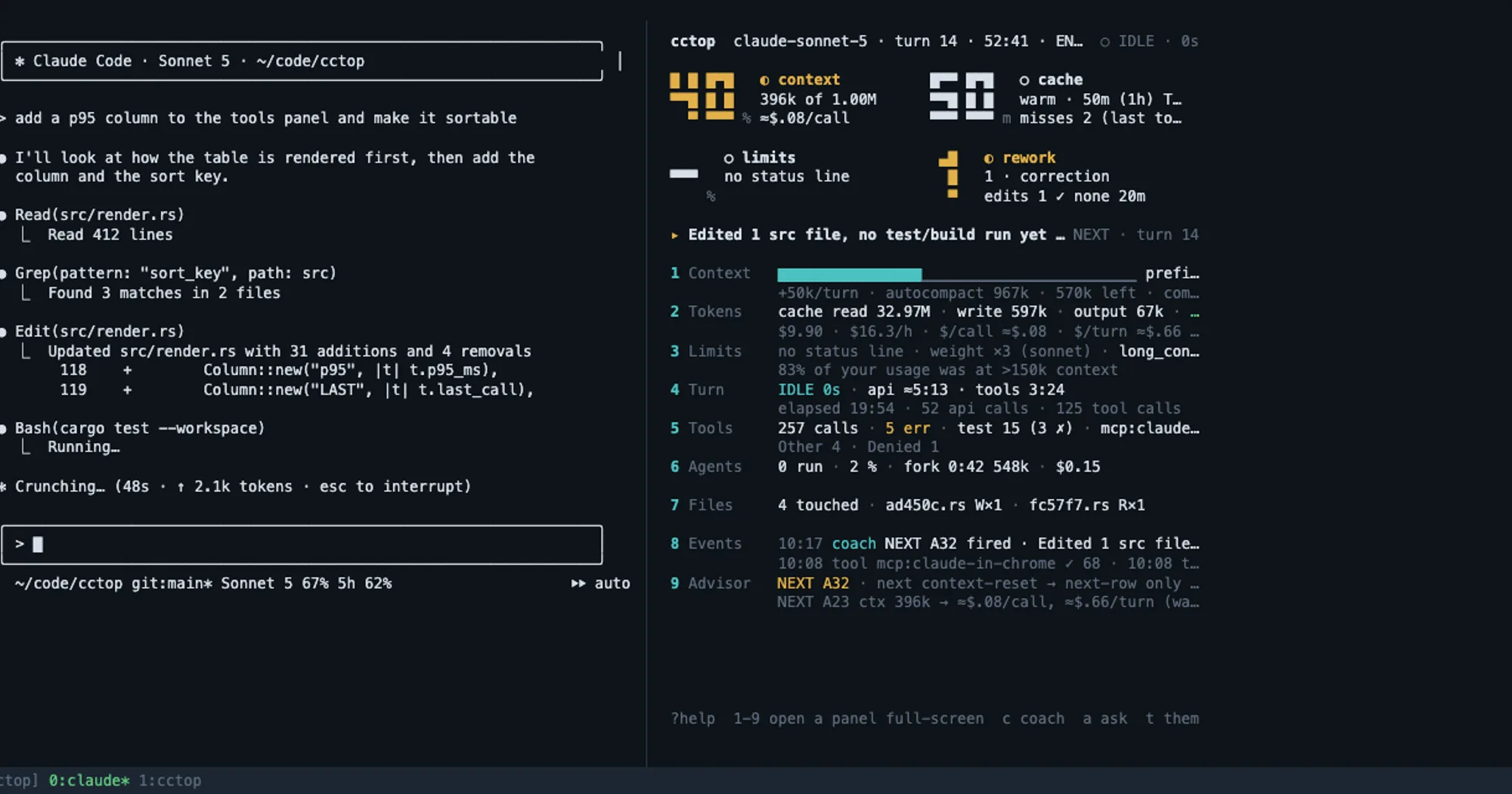
cctop shows what Claude Code does not: how full the context is and when the next compaction hits, tokens and cost with the cache hit ratio, rate limits with a forecast of when they run out, what the current turn is waiting on, per-tool latency, subagents and MCP servers. With function hooks enabled, /cctop opens it in a pane docked inside Claude Code, beside the transcript.
What it does
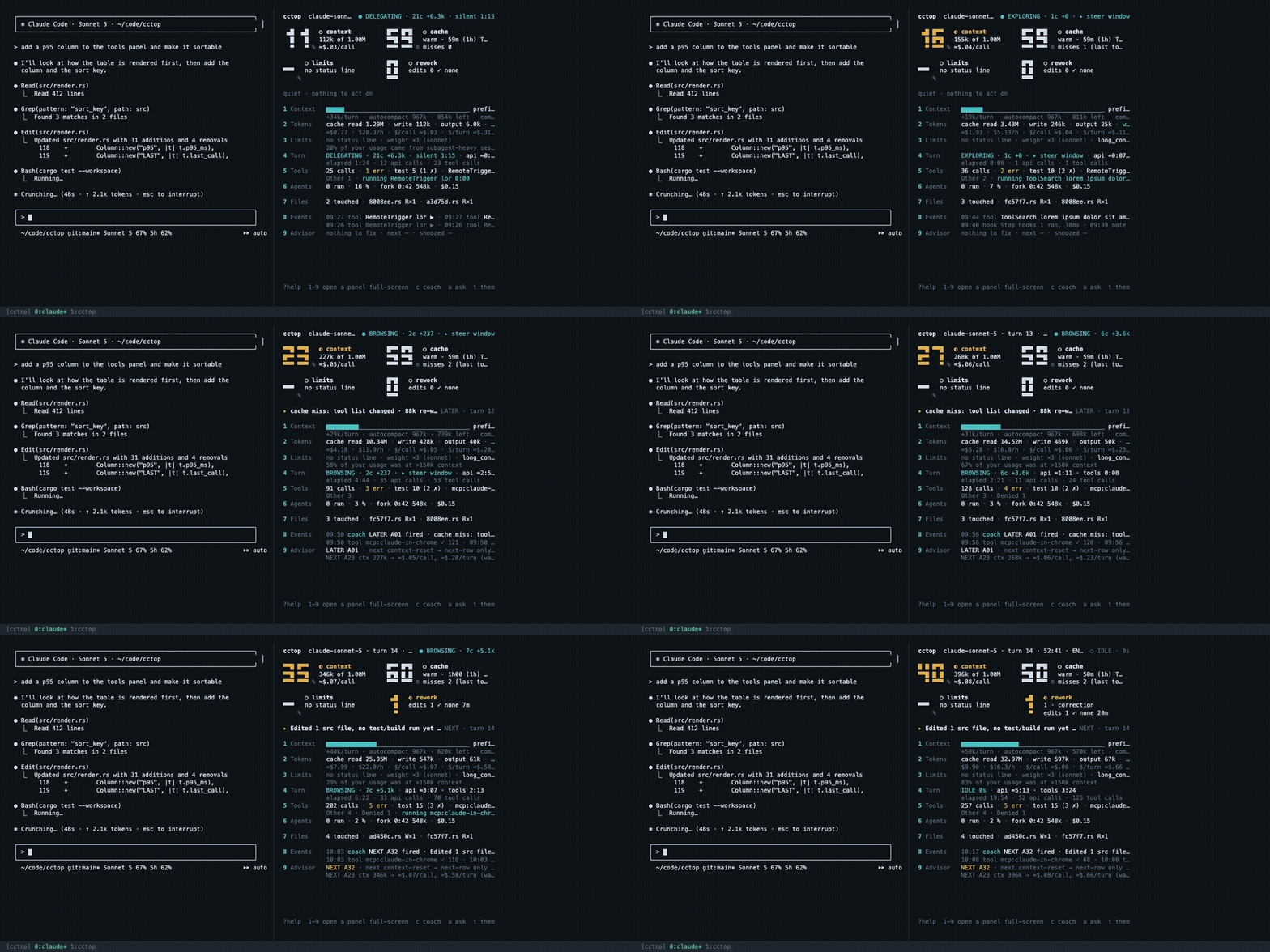
- Seven views: Coach, Overview, Tools, Agents, Files, Events and Advisor. Click a name in the pane’s top bar to switch, or run
/cctop-pane tools. - The Coach view gives one nudge at a time, such as filling the context or snoozing an advisor, with buttons that write a prompt into the prompt box without submitting it.
- Context, cost and rate limits come from the engine itself, so the pane works with nothing else installed. The
cctopbinary fills in the rest: tool timings, files, agents, the Advisor. - Without function hooks,
/cctopopens the same dashboard as a terminal split in tmux, zellij, WezTerm, Kitty or iTerm2. - A second skill,
cctop-insights, lets the session answer questions such as “what is filling my context?” from the dashboard’s numbers.
Install
Needs Claude Code 2.1.269 or later with function hooks enabled, and the cctop binary for the full set of numbers (cargo install cctop works where Homebrew does not).
brew install tomstagl/tap/cctop
claude plugin marketplace add tomstagl/cctop
claude plugin install cctop@cctop
Restart Claude Code or run /reload-plugins, then /cctop. The pane docks when the terminal is 110 columns or wider; narrower, it draws above the prompt instead. When the pane does not appear, cctop pane status prints one line per prerequisite with the fix.
How it works
The hooks module registers /cctop-pane, draws the pane, and re-reads the session id on every turn and every poll so it follows a /clear. Numbers come from cctop query, run through the engine’s process call, and from the engine’s own session usage. It writes a small marker file so the standalone TUI and the pane agree on which session is open. Nothing leaves the machine.
The built-in /diff panel and a plugin pane share one dock, and the diff panel wins. While it shows, cctop pins a status line under the prompt saying so, and comes back when /diff hides it.
Limitations
- Docking needs the fullscreen renderer and a terminal 110 columns wide. Otherwise the dashboard draws above the prompt, which costs the transcript rows.
- Plugin 0.4.0 broke on Claude Code 2.1.271, which changed
$.clock.now()from a number into a promise. Version 0.4.1 fixes it. If every light shows “waiting for cctop”, runclaude plugin update cctop@cctopand restart. - Draws only in interactive terminal sessions.
More mods
The whole directory →
agent-flow
Every subagent of the session in a live tree beside the transcript. Zero tokens.
claude plugin install agent-flow@claude-agent-flow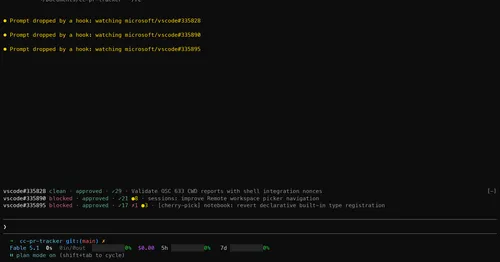
cc-pr-tracker
Merge state, review and checks of your PRs on one line above the prompt, with alerts.
claude plugin install cc-pr-tracker@cc-pr-trackercontext-lens
Window fill, growth per turn and turns left before compaction, pinned under the prompt.
claude plugin install context-lens@claude-modsgh-ci-status
Your repo's GitHub Actions runs pinned above the prompt, with links and toasts.
claude plugin install gh-ci-status@claude-function-hooks