Interface·terminal·MIT
glance
The HTML pages Claude writes and the images it reads, drawn under the tool call.
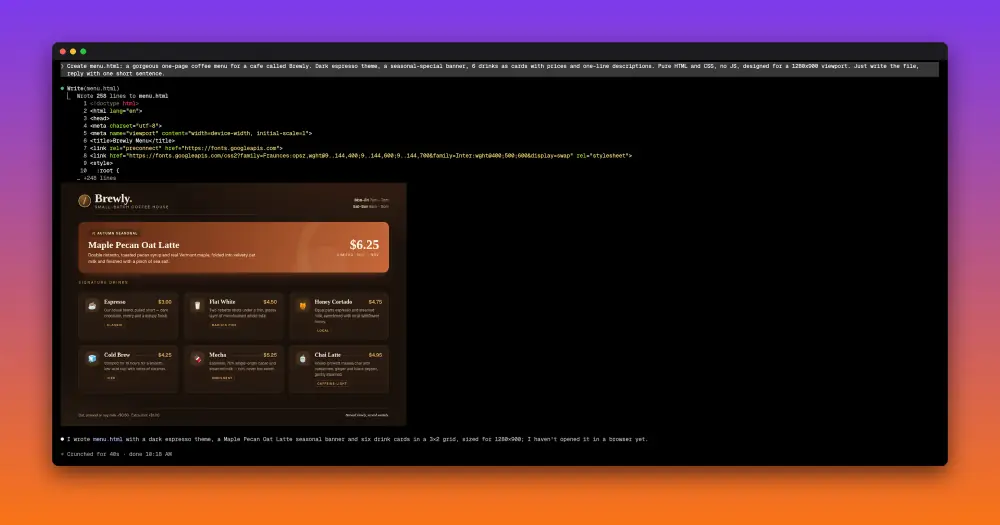
glance draws what Claude builds inside the Claude Code chat. When Claude writes or edits an HTML file, a headless Chromium renders the page and the picture appears under that tool call; when Claude reads an image, the image appears there too. You check the page without switching to a browser, and nothing is added to Claude’s context.
What it does
- HTML pages. Every
Write,EditorReadof an.htmlor.htmfile renders the page at 1280 × 900 and trims the blank space under short pages. - Images. Every PNG, JPEG, GIF, WebP, BMP or SVG that Claude reads is drawn under the
Readrow, or under the folded “Read 1 file” line. A GIF shows its first frame. /glanceon demand./glance chart.svg index.htmlrenders any files you name and lays them out side by side, in rows of equal height, each captioned with its file name.- Zoom and open. Under each picture,
⤢widens it to the full chat width and⤡shrinks it back.↗opens the original file in your default app. - Sizing. A picture never grows past its natural size. On a chat 160 columns or wider it takes at most half the width; on a narrower one, nearly all of it.
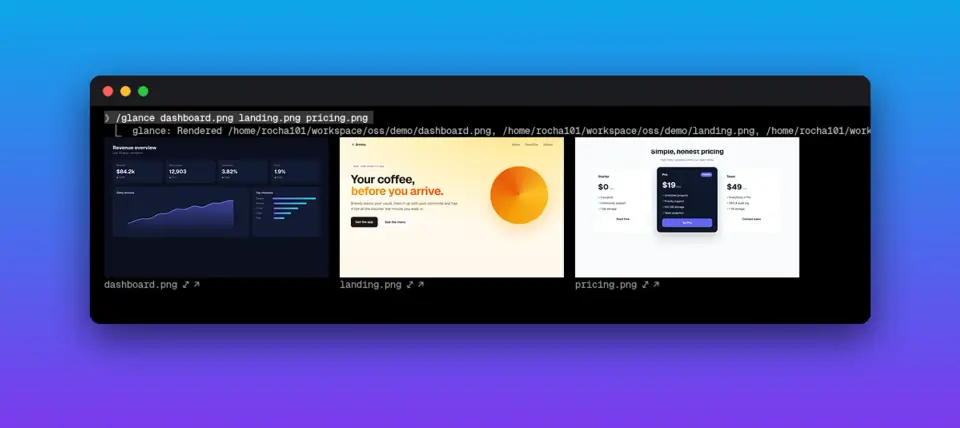
Other mods on this site, such as image-view and claude-mod-images, draw images in the terminal. Rendering the HTML pages Claude writes is what glance adds.
Install
Needs Claude Code 2.1.287 or later on Linux, plus chromium or google-chrome, ImageMagick (magick), jq and git. python3 is optional: with it, glance measures the terminal’s exact cell size for sharper pictures.
There is no marketplace. Clone the repository and load the folder:
git clone https://github.com/Rocha101/claude-code-glance ~/.claude/mods/claude-code-glance
claude --plugin-dir ~/.claude/mods/claude-code-glance
To load it in every session, add the folder’s full path to CLAUDE_CODE_PLUGIN_DIRS in the env block of ~/.claude/settings.json, separating several folders with :. The README also offers a one-line installer that pipes the repo’s install.sh into bash; read the script before you run it that way. The plugin is glance, version 0.1.0.
Then open a new session and ask Claude to write an HTML page. Claude only shows you pictures it reads, so the README suggests a line for ~/.claude/CLAUDE.md: tell Claude to Read any image it wants to show you, and to screenshot a URL with headless Chromium and read the PNG.
Settings go in the same env block. GLANCE_MODE=image forces real pixels and GLANCE_MODE=cells forces block art. GLANCE_CELL_PX sets the image pixels per terminal column (default 12; higher draws smaller pictures). GLANCE_CELL_RATIO overrides the cell’s height-to-width ratio, which glance otherwise reads from the terminal or sets to 2.25.
How it works
glance hooks four events. session.start registers /glance and command.run handles it. tool.call lets each tool call run first, then looks only at the tool name and file path: a Write, Edit or Read of an HTML file, or a Read of an image, gets rendered unless the call was denied or failed. Bash and every other tool are ignored. The tool result goes back to Claude unchanged, so the pictures cost no tokens and Claude never sees them.
Rendering runs as local processes. For a page, glance resolves the path with realpath and tries chromium, google-chrome-stable and google-chrome in turn, screenshotting the file:// URL headless in a 1280 × 900 window with a 30-second timeout. ImageMagick then crops the empty band below the content. For an image, ImageMagick reads its size and converts the first frame to a PNG of at most 1600 px a side.
glance makes no network calls itself. Chromium loads the page as a browser would, scripts included, so a page that links web fonts, CDN scripts or remote images fetches them when it renders.
Every render goes to /dev/shm as claude-glance-<n>.png, with resized copies beside it and, for block art, a raw .rgb file. /dev/shm is held in memory. glance never deletes these files: they stay until you remove them or reboot.
ui.render draws the pictures under the ToolResult, ToolGroup and CommandOutput rows. In Ghostty, kitty or WezTerm, detected from TERM and TERM_PROGRAM, it sends a real image through the kitty graphics protocol. Elsewhere it builds colour block art, four pixels per character cell. With python3, it reads the cell size in pixels from Claude Code’s terminal, at most every five seconds, and resizes each picture to the exact pixels of its box so small text stays readable. The ↗ button runs xdg-open on the original file.
Limitations
- Pages are captured at 1280 × 900. Anything below the first screen is not shown.
- Terminal only. On other surfaces the code still renders but prints a one-line note instead of the picture.
- Terminals without the kitty graphics protocol get block art. So does tmux, which passes no graphics through.
/glancesplits its arguments on spaces, so a path that contains a space does not work.- The author doesn’t name a platform, but the code is written for Linux: renders go to
/dev/shm, the cell-size probe reads/proc, and↗usesxdg-open. Where/dev/shmdoes not exist, as on macOS, every render fails.
Similar Claude Mods
figures
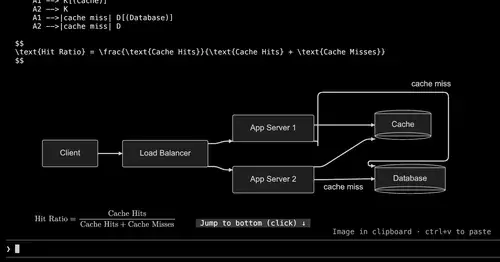
Diagrams, LaTeX math and tool-result images drawn as real pictures in kitty or Ghostty.
paste-view
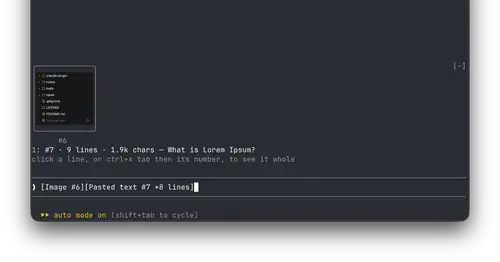
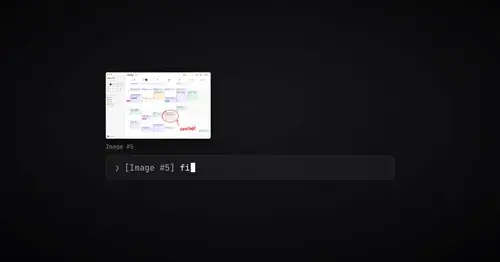
Previews of pasted text and thumbnails of pasted images, drawn above the prompt.
paste-preview
Thumbnails of pasted images, plus an editor to circle what matters before Claude sees it.

terminal-browser
A Chromium browser in a pane beside the transcript, for previews and agent browsing.
Popular Claude Mods
The whole directory →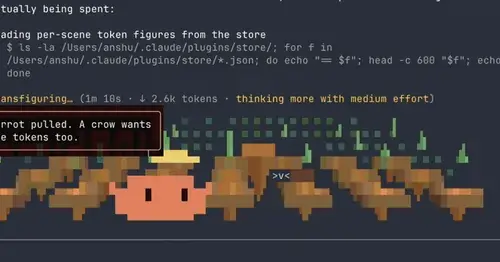
claude-toons
Cartoons of Clawd under the spinner that change with what Claude is doing.
next-steps
Up to six suggested next steps after each reply. Tick some and Haiku writes the prompt.
inbox
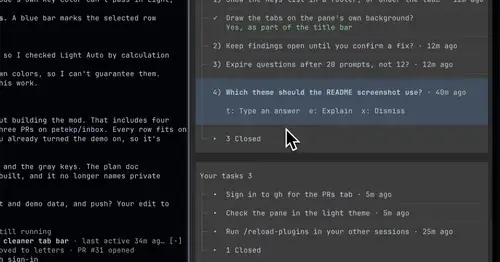
Claude's questions, your tasks, its findings and your PRs, sorted in one pane.
Claude Fables
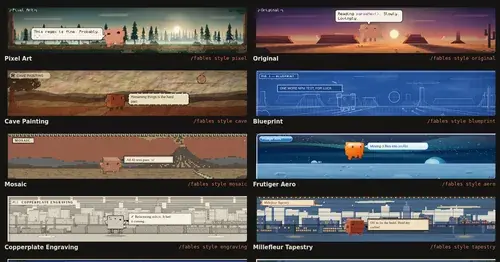
Short animated cartoons of Claude's work above the prompt, scripted by Sonnet or Haiku.