Dashboards·terminal·MIT
vercel-deploy-status
Your Vercel deploy queue above the prompt: phase, branch and elapsed time, zero tokens.
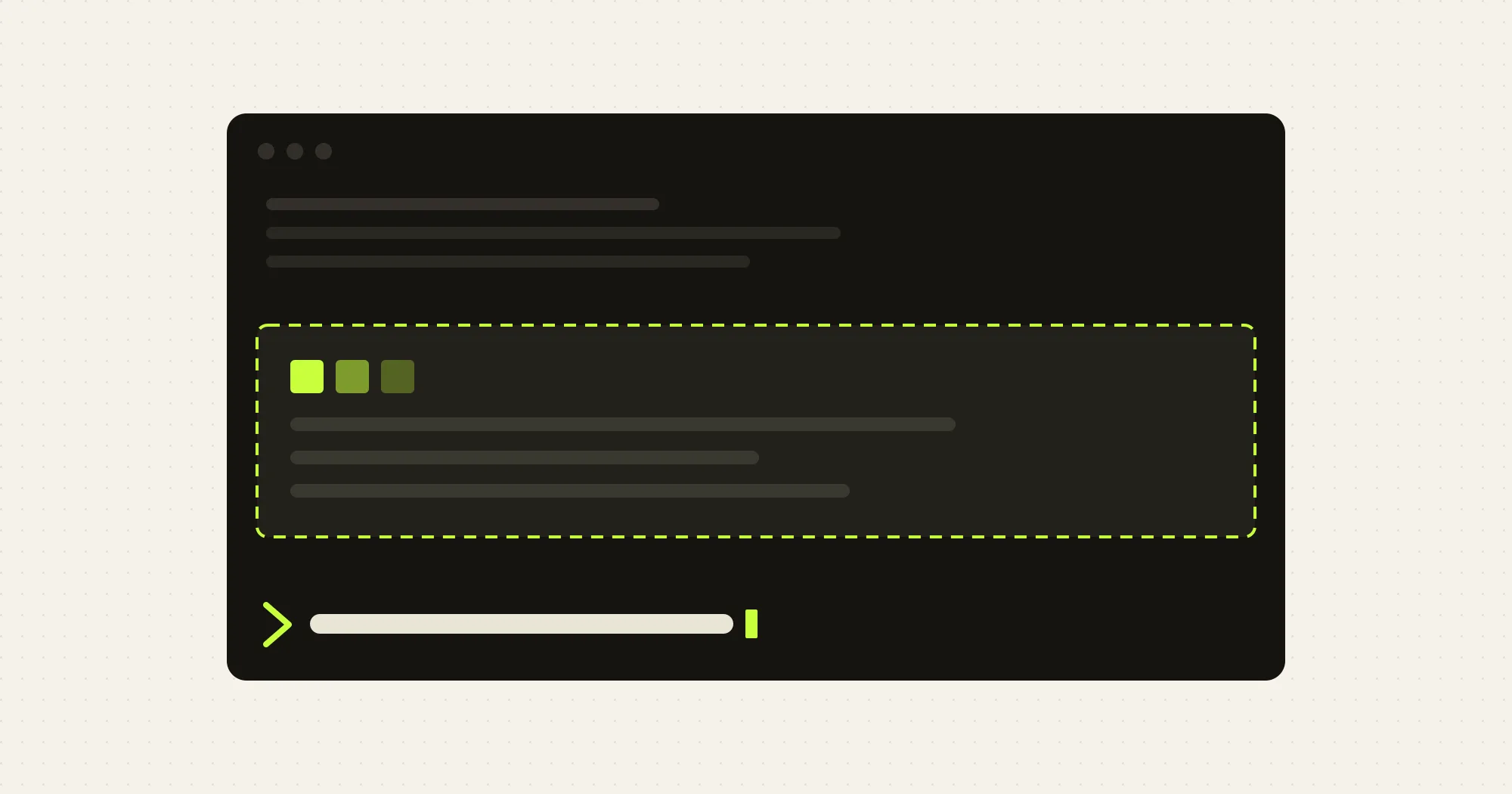
vercel-deploy-status pins the Vercel deploy queue of the linked project in the band above the Claude Code prompt. Every deploy that is queued, building or just finished gets one line: phase, target, branch, elapsed time and commit subject. It polls the vercel CLI on your machine, never starts a turn and never writes to the transcript, so it costs zero tokens.
What it does
- Live queue. A header with the project name and counts, then one row per deploy. In flight is yellow, Ready is green, Error and Canceled are red.
- Wakes on push. A
git push,gh pr merge,vercel deployorvercel --prodrun in the Bash tool shows awaiting for a deployline and speeds up polling until the deploy appears. - Toasts when a deploy starts and when it finishes.
- Clears itself. A finished deploy keeps its line for 5 minutes. With an empty queue and no push pending, nothing is drawn.
Install
Needs function hooks enabled, the vercel CLI on your PATH and logged in (check with vercel whoami), and a .vercel/project.json in the repo, which vercel link writes. The author does not state a minimum Claude Code version.
claude plugin marketplace add ray-amjad/awesome-claude-code-function-hooks
claude plugin install vercel-deploy-status@awesome-claude-code-function-hooks
Start claude in the linked repo, push a commit or run vercel deploy, and the block fills in. The same marketplace carries the author’s secret-redactor.
Every option has a working default. To change one, add a pluginConfigs block to ~/.claude/settings.json; a project’s .claude/settings.json is not read:
{
  "pluginConfigs": {
    "vercel-deploy-status@awesome-claude-code-function-hooks": {
      "options": { "activePollSeconds": 10, "holdFinishedMinutes": 10 }
    }
  }
}
The options are vercelBin, activePollSeconds (15), idlePollSeconds (60), holdFinishedMinutes (5), watchAfterPushMinutes (6) and maxRows (8).
How it works
On session.start it looks for .vercel/project.json in the session directory, then in the repo root, then with a find four levels deep for a linked package inside a monorepo. The first hit wins. Without a link file it logs one line and stays quiet.
The poll runs vercel ls --format json --non-interactive from the linked directory: every 60 seconds while idle, every 15 seconds while a deploy is in flight or a push is waiting, for up to 6 minutes after the push. A CLI error is logged once per outage and the last rows stay on screen.
The tool.call hook reads the command string of Bash calls only, to match the three deploy commands above. A --dry-run does not count. It never changes or blocks the command: it lets it finish, then polls right away.
Nothing is written to disk. The queue lives in memory. The only network traffic is the CLI’s own request to Vercel.
Limitations
vercel lsreturns the newest deploys, not all of them. A deploy that was in flight and fell off that list is shown as Ready.- One project per session: the first link file found is the one polled.
- A push from another terminal is not seen. The next idle poll picks the deploy up, up to 60 seconds later.
- Draws only in interactive terminal sessions, not in
claude -p. - Toasts share the terminal’s toast slot; another plugin’s toast can push them out.
More mods
The whole directory →
agent-flow
Every subagent of the session in a live tree beside the transcript. Zero tokens.
claude plugin install agent-flow@claude-agent-flow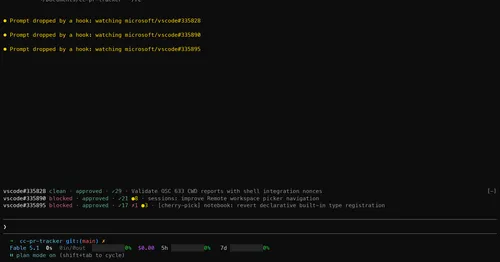
cc-pr-tracker
Merge state, review and checks of your PRs on one line above the prompt, with alerts.
claude plugin install cc-pr-tracker@cc-pr-tracker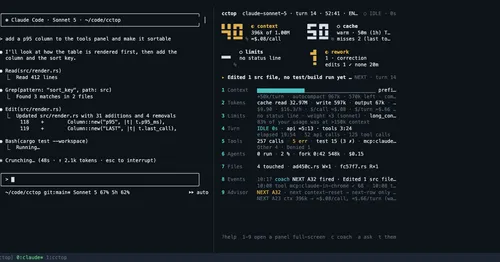
cctop
Context, cost, rate limits and tool stats of the session, live in a side pane.
claude plugin install cctop@cctopcontext-lens
Window fill, growth per turn and turns left before compaction, pinned under the prompt.
claude plugin install context-lens@claude-mods