Dashboards·terminal · desktop·MIT
todos
The repo's TODOs and FIXMEs above the prompt at session start, newest first.
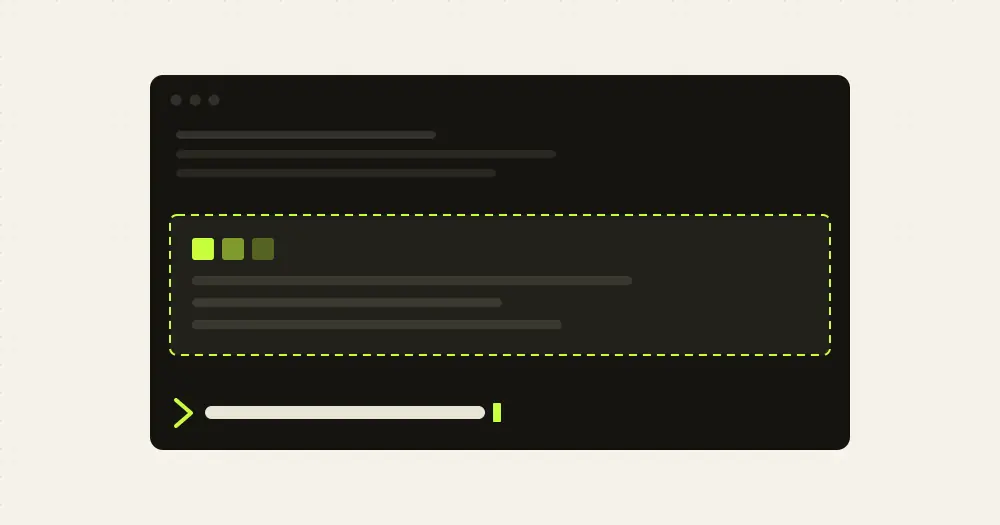
todos puts the repository’s open TODOs in a band above the Claude Code prompt when a session starts, newest first, so the pending work is in front of you before you type. It collects the items of TODO.md and the TODO, FIXME and HACK comments in the code, dates each one with git blame, and adds nothing to the model’s context. This is the todos mod by bengous, part of the author’s claude-code-plugins marketplace.
What it does
- One row per TODO. Each row shows the file and line (or
TODO.md), the text, the issue number if there is one, and the age:today,11d,3w,5mo,1y. - Out of the way. The band hides on your next message or on its Hide button.
/todosscans again and reopens it. - Mine. The Mine button keeps the TODOs whose git author is your
user.email, plus every line not committed yet. All shows the full list again. - Issue links. A comment written as
TODO(#42)links to issue 42 whenoriginis a GitHub remote. On any other host the number shows without a link. - A toast for new ones. When Claude adds a TODO with
EditorWrite, a toast names the marker, the file and line, and the text.
Claude Code asks for four settings when you enable the plugin, and keeps them as rows in /config: show_on_start (open the band at session start, on by default), rows (8 by default, 1 to 30; a short terminal shows fewer), markers (TODO,FIXME,HACK by default, comma separated) and mine_only (start each session with Mine on).
Install
Needs Claude Code 2.1.287 or later and git. The band only appears inside a git repository.
claude plugin marketplace add bengous/claude-code-plugins
claude plugin install todos@bengous-plugins
The marketplace also lists about twenty other plugins by the same author; only todos is needed. Start a session in a repository that has TODOs and the band opens on its own; /todos brings it back at any time.
How it works
The scan finds the repository root with git rev-parse, then runs one git grep over tracked and untracked files, which respects .gitignore. A comment counts only when the marker is its first word, right after //, /*, #, --, <!-- or ;, or after the * that continues a block comment. A marker inside a string, in a name such as TODO_LIST or in the middle of a sentence is ignored. Prose and data files (.md, .txt, .json, .csv, .lock, .log, .patch and a few more) are skipped, and so are the paths your .gitattributes marks as vendored, generated or -todos:
archive/** -todosTODO.md at the repository root is always read: each top-level - or * item and each unchecked box, never a checked one. A long item is cut at its first : or ; after ten characters.
Every file with a hit gets one git blame limited to those lines, several files at a time. The time each line was authored sets the order. A line not committed yet, or in an untracked file, reads today and counts as yours. The scan also reads git config user.email for Mine and git remote get-url origin for the issue links.
At session start the mod registers /todos and launches the scan without waiting for it, so your first prompt is never held. A classic SessionStart hook covers /clear, /resume and /branch, which reset the mod’s state without firing session.start again, and scans once more. On prompt.submit it only hides the band: the prompt passes through untouched.
On tool.call it watches Edit and Write and reads the text Claude is about to write. If that text holds a marker, or the file is TODO.md, it reads the file before and after the edit and compares the TODOs by marker and text, so a moved line does not count as new. It never blocks or changes the edit. After the toast it rescans in the background without reopening the band. A file the scan skips raises no toast.
All of this is local git. The results live in the session’s memory: the mod writes no files, makes no network calls and costs no tokens.
Limitations
- Strings are recognized within one line only, so a
# TODOinside a multi-line string, such as a Python"""block, is listed. - Each file holding a TODO costs one
git blame, run as many at a time as the machine has CPUs, sixteen at most. On Windows, withoutgetconf, it runs six. The author measured close to a second for a repository with about a hundred such files on a 16-CPU machine, and each edit that adds a TODO scans again. - If
git grepprints more than 4 MiB, the list is cut and a toast says so. A TODO longer than 200 characters is cut. - The author’s README places mods in the terminal and in the Code tab of Claude Desktop. In the chat panel of the VS Code extension, in
claude -pand in cloud sessions the hooks run but nothing draws.
Similar Claude Mods
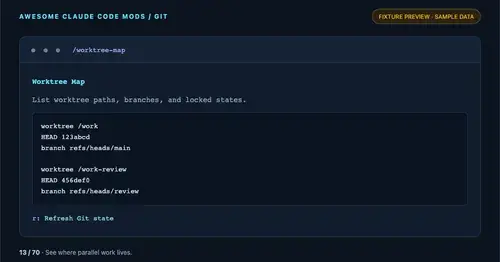
worktree-map
Every git worktree of the repo with its path, HEAD, branch and lock state, in a pane.
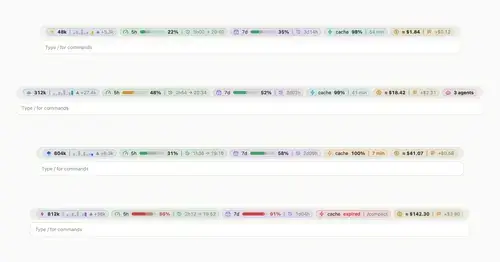
token-weather-usage
Context, 5-hour and 7-day limits, cache countdown and cost on one line above the prompt.
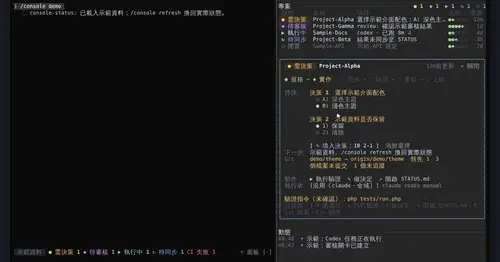
console-status
Every project in one pane: decisions, Git, CI, usage and dispatch to Claude or Codex.

vercel-deploy-status
Your Vercel deploy queue above the prompt: phase, branch and elapsed time, zero tokens.
Popular Claude Mods
The whole directory →collision-guard
Asks before Claude edits a file another open chat just changed.
next-steps
Up to six suggested next steps after each reply. Tick some and Haiku writes the prompt.
cc-image-view
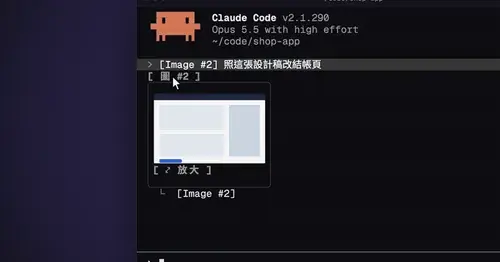
Thumbnails of pasted images above the prompt and under sent prompts, with a zoom pane.
xcode-mods
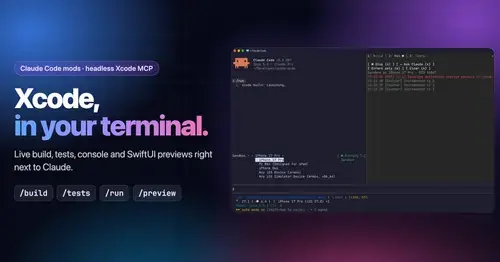
Xcode build, tests, console and SwiftUI previews in panes, plus a toolbar band.