Interface·desktop·MIT
claude-latex
TeX math, TikZ diagrams and LaTeX blocks typeset in Claude's replies, in the desktop app.

claude-latex is a LaTeX plugin for the Claude Code desktop app. It typesets the TeX math in Claude’s replies in the Code tab and, with a TeX install, compiles TikZ diagrams and whole LaTeX snippets as well. Where a reply would read $\frac{\partial L}{\partial w}$, you see the formula, inline on the line of text or centered on its own.
At a glance
- What it does: typesets math with a bundled copy of MathJax and compiles
tikz,tikzcdandlatexcode blocks with your own TeX, in a sandbox. - Where it shows: only the Code tab of the Claude desktop app. In a terminal, the VS Code extension and
claude -p, formulas stay as source. - Tokens and network: no network calls. A short note in the system prompt costs a few hundred tokens per session and can be switched off.
- What you need: nothing for math. Diagrams, LaTeX blocks and the LaTeX fonts need
latexanddvisvgm; LaTeX blocks run on macOS only for now. - Who it is for: anyone working through math, physics, chemistry or theory with Claude Code in the desktop app.
What it does
Math, with nothing to install
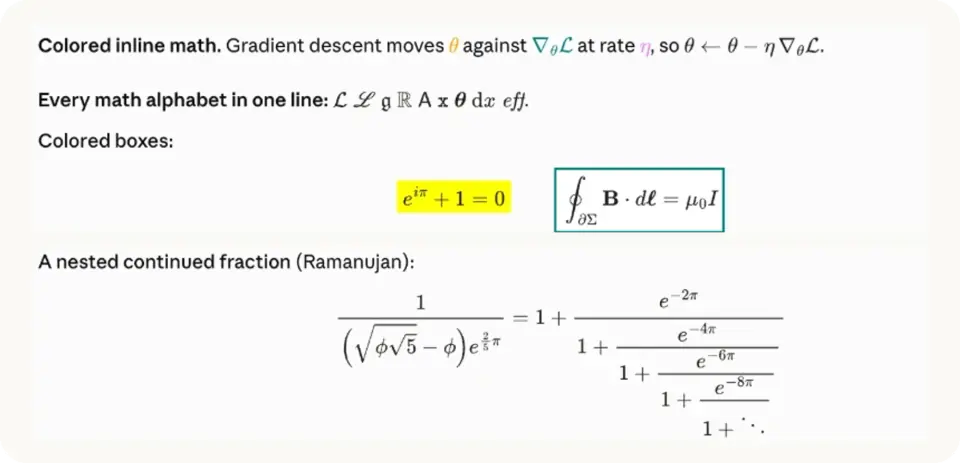
$...$ and \(...\) become inline formulas aligned to the text’s baseline. $$...$$, \[...\] and bare equation, align, gather or multline environments become centered display math. The bundled MathJax covers the AMS packages, mathtools, mhchem, physics, braket, cancel and color.
Diagrams and LaTeX blocks
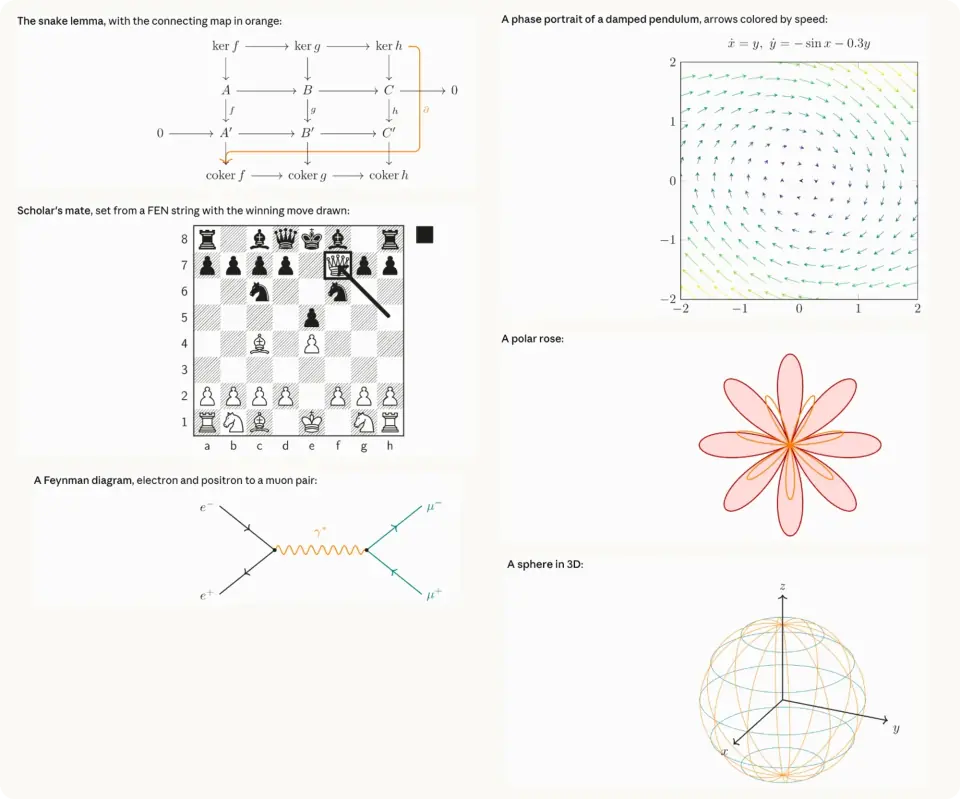
A tikz or tikzcd code block becomes a diagram. A latex code block holds any document body up to 15 cm wide: chemfig molecules, circuitikz and quantikz circuits, forest trees, chess positions, theorem environments, tables. \usepackage, \usetikzlibrary and similar lines at the top of a block go into the preamble.
Black ink follows your theme, and other colors stay as written. A display formula MathJax cannot draw goes to LaTeX as well.
Ten LaTeX fonts
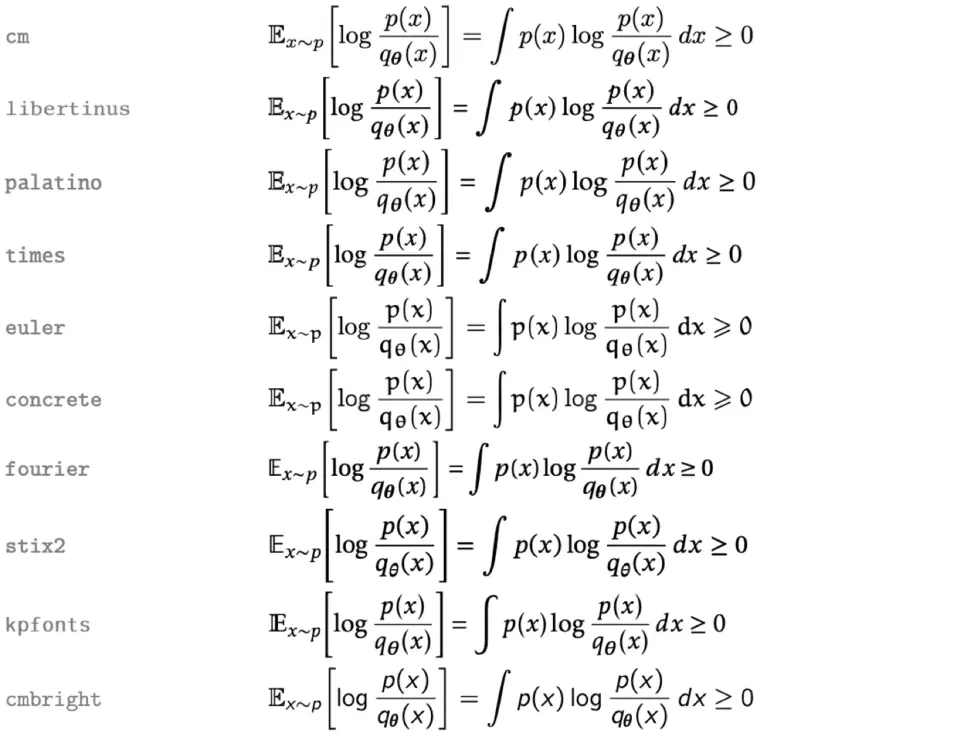
MathJax draws in Computer Modern, almost instantly. In /latex, under Math font, you can pick cm, libertinus, palatino, times, euler, concrete, fourier, stix2, kpfonts or cmbright. Your TeX install then typesets every formula in that font, with MathJax’s version on screen until it is ready, usually within a second. Diagrams and LaTeX blocks use the same font. The choice is saved to Claude Code’s settings and reloads the mod, so it applies at once.
Macros, your messages and Copy TeX
- Your macros.
\newcommandand\DeclareMathOperatorlines in~/.claude/latex-macros.texwork in every formula, in MathJax and in LaTeX. - Your own messages. Off by default. In
/latexyou can show the math from a message you sent under its bubble, or, experimentally, redraw the whole message as Markdown with its math. - Copy TeX. An optional button under each display formula and block copies its source.
Why math shows as raw text in the Code tab
The Code tab draws some math by itself, but its Markdown has struggled with TeX. Reports on the Claude Code repo explain most of the raw dollars people see:
- Inline
$...$stayed plain text while$$...$$rendered (issue #65632, closed as completed on 16 October 2026). - Inline
\(...\)over 58 characters fell back to source (issue #94787, fixed in Claude Desktop 2.9939.2; the reporter measured the new limit at 200 characters). - The Markdown pass strips
\\,\{and\}inside$$...$$, which breakscases,matrixandalign(issue #92152, still open).
claude-latex takes each formula from the reply’s raw text and draws it as an SVG itself, so its formulas never reach that renderer. The desktop app’s Chat tab is a separate place and, as the README notes, already renders LaTeX.
Install
Needs Claude Code 2.1.287 or later and the Code tab of the Claude desktop app. Math works with nothing else. Diagrams, LaTeX blocks and the LaTeX fonts need a TeX install with latex and dvisvgm, such as MacTeX or TeX Live. On Windows the author documents math only: LaTeX blocks are not supported there yet.
claude plugin marketplace add zaahiral/claude-latex
claude plugin install latex@claude-latex
It installs as latex, version 0.5.0. Restart the desktop app, or run /reload-plugins in an open session. A welcome note above the prompt appears once and links to the settings; after that, /latex opens them. Then ask Claude for anything with math in it.
How it works
The mod hooks ui.render for messages and draws only on the desktop and mobile surfaces. Prose goes back to the app’s own Markdown renderer. Each formula becomes an SVG from a bundled copy of MathJax 3, which runs inside the mod with no network access, and a paragraph with inline math is laid out word by word so every formula sits on the baseline. As claude-mermaid does with Mermaid diagrams, it rewrites the reply itself, so the drawings scroll with the conversation. The README shows how to rebuild the MathJax bundle from mathjax-full 3.2.2 and check it against the published source.
Claude cannot see how its reply is drawn, so prompt.compose adds about ten lines to the system prompt in sessions that draw on desktop or mobile: write math as TeX rather than Unicode, which syntax renders, what each code block compiles and how much a reply can hold. The “Tell the model how math renders here” switch in /latex turns it off. prompt.submit only marks that a turn has started, without reading your prompt, and turn.complete redraws whatever compiled during the turn.
LaTeX blocks compile in the background, up to three at a time. latex writes a DVI file, and dvisvgm turns it into an SVG with every glyph drawn as a path, so no font files have to load. A diagram takes 0.4 to 0.7 seconds the first time and comes from the cache after that. A saved LaTeX format for each kind of document, with the preamble already loaded, roughly halves compile time.
Claude writes those blocks, so the mod treats each one as untrusted. Every latex and dvisvgm run goes through macOS’s sandbox-exec, with a profile that blocks the network, blocks reading your home folder apart from TeX’s folders and the mod’s cache, and blocks writing anywhere but those and the system temp folders. Shell escape is off, TeX’s own guard keeps writes inside the build folder, and a compile is stopped after 60 seconds. If sandbox-exec fails its test at startup, blocks compile without the sandbox, and only the debug log says so.
Compiled SVGs, the saved formats and the sandbox profile live in ~/.cache/claude-latex/. Build folders are deleted after each run, and leftovers older than ten minutes are cleared at startup. ~/.cache/claude-latex/debug/setup.log records setup steps, render times, errors and the first 40 characters of each message drawn. The plugin store keeps one flag: whether you dismissed the welcome note. The mod reads your macros file, writes setting changes through Claude Code’s config.set, and makes no network calls.
Troubleshooting
- Formulas still show as source. You need the Code tab of the desktop app: the terminal, the VS Code extension and
claude -pnever draw. After installing, restart the app or run/reload-plugins, then check in/pluginthatlatexis enabled. - A dollar formula stays as text. To keep
$5 and $10as money, the mod reads$...$as math only with no space just inside either dollar, no digit right after the closing one and no line break inside.$x$renders,$ x $does not. Write\$for a literal dollar sign. - TikZ and
latexblocks stay as code. Either “Compile LaTeX blocks” is off in/latex, or the mod found nolatexanddvisvgmin/Library/TeX/texbin,/opt/homebrew/bin,/usr/local/bin,/usr/bin,/usr/texbinor yourPATH. The setup log says “TeX not found” or names the folder it used. - A block shows “LaTeX did not compile”. The red lines are LaTeX’s own error. A missing
.styfile means your TeX install lacks a package the block or the mod’s preamble loads, such as pgfplots, tikz-cd or mhchem. Any other error is in what Claude wrote: ask it to fix the block. - You picked a LaTeX font, but math stays in Computer Modern. No TeX install was found, so the mod falls back to MathJax.
- Math is the wrong color for the theme. Math color
autofollows the system’s light or dark setting. If the app’s theme differs, set it in/latexto match the app. - A note says the message has more math than a mod may draw. A reply holds about 235 KB of drawing, roughly 75 formulas in a mostly-text reply or 4 to 6 diagrams, and the app draws the rest with its own renderer. Ask Claude to split long material over several replies.
- Anything else. Attach the setup log to a bug report on the repo, as the README asks. No issues had been filed there as of 23 October 2026.
Limitations
- Beyond the desktop Code tab, the author expects the Claude mobile app to work through Remote Control but has not tested it.
- One drawing can be at most 128 KB of SVG, so a dense plot shows an error in its place.
- A macro defined inside one formula does not carry over to the next. Put shared ones in the macros file.
- A very long inline formula is scaled down to fit its line. Scrolling is on the author’s list.
- Rendering your own messages is experimental. The app’s bubble cannot be drawn into, so the mod draws its own and keeps the app’s row under it as a small pill for the time, rewind and fork controls.
Similar Claude Mods
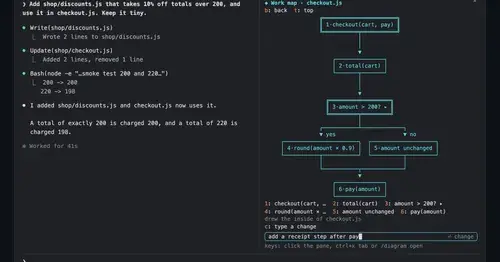
diagram-pane
Every diagram Claude draws, pinned in a side pane, plus a live map of the work.
cc-intelligent-ui
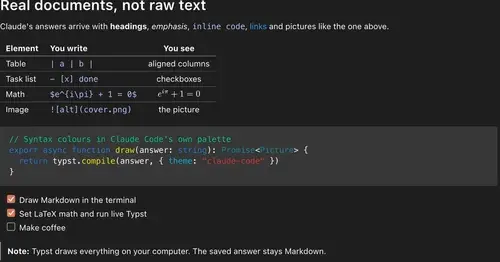
Claude's answers as typeset pictures: Markdown, LaTeX math, charts and diagrams.
mermaid-inline
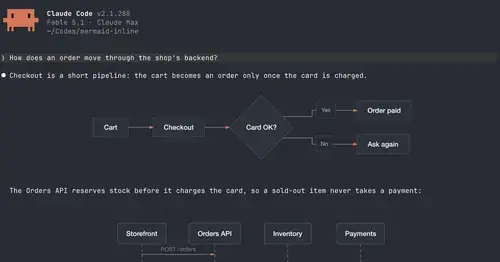
Claude's Mermaid diagrams as pictures in Ghostty, cmux and kitty, box art elsewhere.
filetree
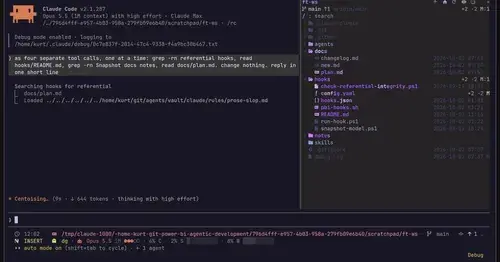
Sidebar file tree with git status that lights up what Claude reads, edits and commits.
Popular Claude Mods
The whole directory →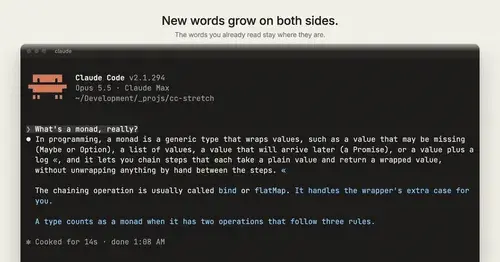
cc-stretch
Replies arrive short; click a phrase and it grows in place, click « to fold it back.
blast-radius
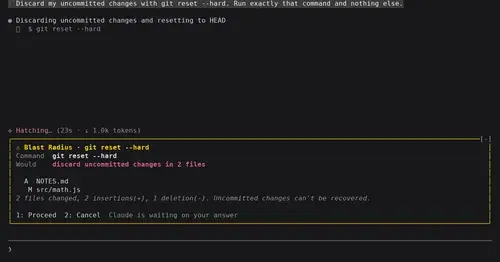
Shows what rm -rf or a force push would change and waits for Proceed or Cancel.
xcode-mods
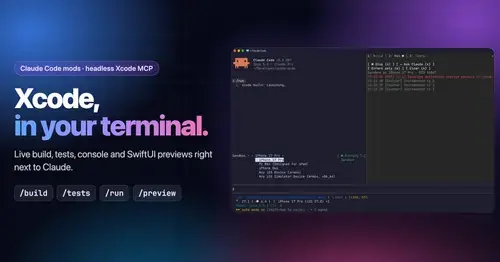
Xcode build, tests, console and SwiftUI previews in panes, plus a toolbar band.

aside
Ask about the session so far in a read-only side pane. Nothing reaches the main thread.