Dashboards·terminal·MIT
herdr-hud
Name, kind and status of every Herdr agent above the prompt, refreshed every 2 seconds.
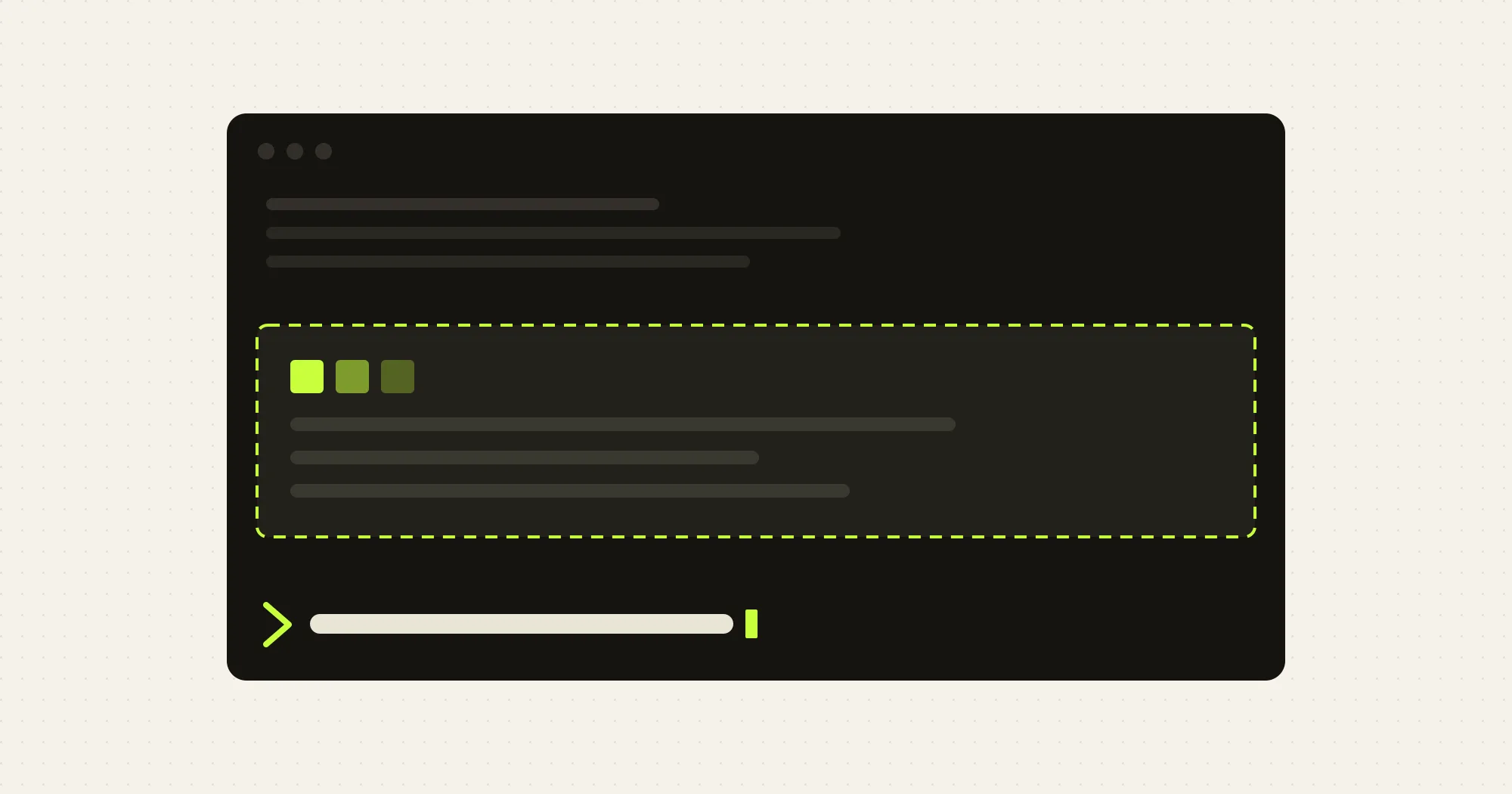
herdr-hud draws a small read-only list above the Claude Code prompt with every agent running in Herdr: its name, its kind (Claude, Codex, Gemini) and whether it is working, idle, done or blocked. It refreshes every 2 seconds and costs no tokens.
Herdr runs several coding agents side by side in panes and ships a herdr CLI that reports on them. The HUD is only a window into it: without Herdr installed and at least one agent running, the band shows ○ not connected and the reason.
Rows carry a status symbol (● working, ○ idle, ✓ done, ! blocked, ? unknown) and end with + N more when agents outnumber rows.
Install
Needs Claude Code 2.1.272 or later with function hooks enabled, Herdr 0.8.2 or later with the herdr CLI on your PATH, and an interactive terminal.
claude plugin marketplace add Dan-Seo/herdr-hud
claude plugin install herdr-hud@herdr-hud
Nothing to start: the band appears when a session begins. Click an agent’s row to bring its pane to the front in Herdr.
How it works
On session.start, in interactive terminal sessions only, the module starts a 2 second timer that runs herdr agent list and parses the JSON it prints. It redraws only when the rows would change. The module makes no network calls itself; the herdr CLI talks to Herdr’s socket on its behalf. Nothing is written to disk and nothing reaches the model, so the HUD costs no tokens.
Clicking a row runs herdr agent focus <pane>, with a toast if that fails. A missing CLI, a stopped Herdr or an unexpected answer put the band in not connected instead of failing the session.
Limitations
- Terminal only. Nothing draws in
claude -p, the desktop app or mobile. - Polling, not push. A hooks module cannot open sockets, so the HUD shells out every 2 seconds.
- Six rows minimum. The band never shrinks below six rows, so on a short terminal it takes a large share of the screen.
- One interaction. Clicking a row is all there is; refresh and new-agent buttons are ideas, not features.
- Lightly tested edges. Windows was tried only on the author’s machine, and Herdr shutting down under a live session was verified only in the hook tests.
More mods
The whole directory →
agent-flow
Every subagent of the session in a live tree beside the transcript. Zero tokens.
claude plugin install agent-flow@claude-agent-flow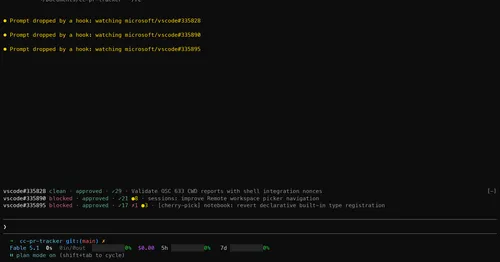
cc-pr-tracker
Merge state, review and checks of your PRs on one line above the prompt, with alerts.
claude plugin install cc-pr-tracker@cc-pr-tracker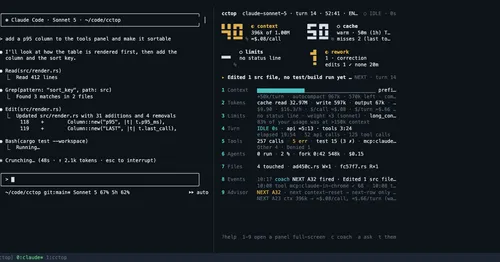
cctop
Context, cost, rate limits and tool stats of the session, live in a side pane.
claude plugin install cctop@cctopcontext-lens
Window fill, growth per turn and turns left before compaction, pinned under the prompt.
claude plugin install context-lens@claude-mods