Dashboards·terminal·MIT
search-meter
A status line that colors each search: first-try hit, hit after misses, or nothing found.
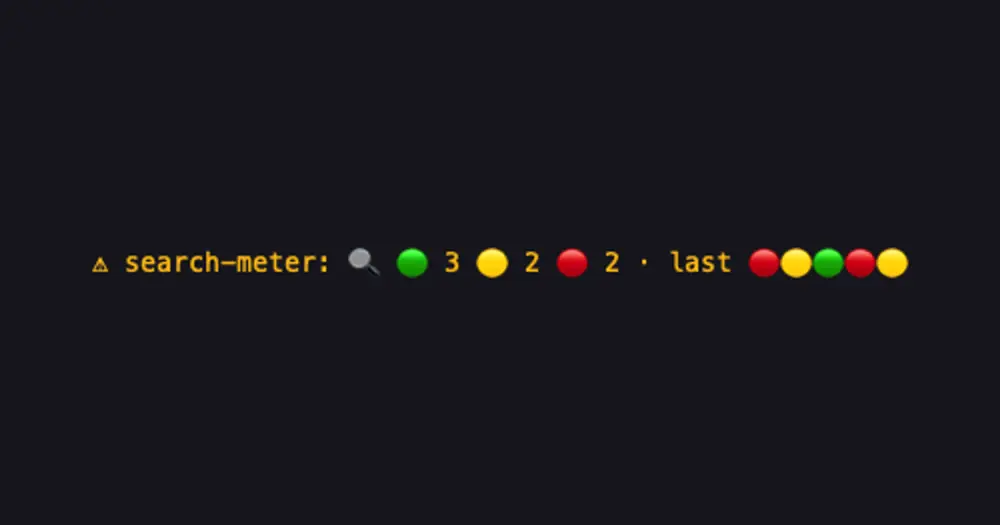
search-meter counts the searches Claude runs and sorts each one by color in a status line under the prompt: found on the first try, found after misses, or found nothing. It shows at a glance how many searches went to waste.
What it does
The line appears after the first search: a magnifier, a count per color, and last followed by the five most recent results, oldest first.
- Green: found something on the first try.
- Yellow: found something after one or more searches that found nothing.
- Red: found nothing.
The counts cover the whole session, subagents included, and start over on /clear.
Three kinds of call count as searches:
- A shell command with a step that starts with
grep,egrep,fgrep,rg,ag,ack,find,fdorgit grep, also after a pipe,;,&&orxargs. It found nothing if it printed nothing or failed. - A web search. It found nothing if it returned no links.
- A
ToolSearchcall. It found nothing if it matched no tool.
Install
Needs Claude Code 2.1.287 or later.
claude plugin marketplace add arasovic/claude-code-mods
claude plugin install search-meter@claude-code-mods
Restart Claude Code. The line shows up under the prompt after Claude’s first search.
It comes from a marketplace of fourteen mods by the author of session-meter, each installed on its own. Two other repos, hamzafer/claude-code-mods and karanb192/claude-code-mods, use the same marketplace name, claude-code-mods. If claude plugin marketplace list already shows it, run claude plugin marketplace remove claude-code-mods first.
How it works
search-meter hooks tool.call for the Bash, WebSearch and ToolSearch tools. For Bash it reads the command to decide whether it is a search, then looks only at whether the output is empty. For the other two it checks whether any result came back. The tally lives in memory and is cleared when the session ends. It writes nothing to disk, makes no network calls and adds nothing to the context.
Limitations
- Searches are not grouped by what they look for: a hit right after an unrelated miss still counts as yellow, and subagent searches land between the main thread’s.
- Output decides, not meaning:
grep -cprinting0counts as found,grep -qcounts as found nothing, andls && grep xcounts as found becauselsprinted something. - Searches that were refused, interrupted or sent to the background are not counted.
- Builds with separate
GrepandGlobtools are not covered yet. The author notes that 2.1.288 searches through the shell.
Similar Claude Mods

context-lens
Window fill, growth per turn and turns left before compaction, pinned under the prompt.
token-ledger
Session cost, last turn's tokens and cache hit ratio under the prompt, table in a pane.
mission-control
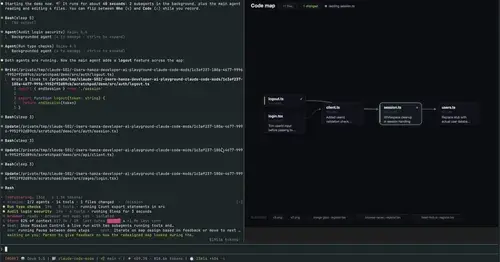
Main agent, subagents and every tool call in a pane, plus a map of the files they touch.
shunt
Shared account pool headroom and reset times from the shunt gateway, at zero token cost.
Popular Claude Mods
The whole directory →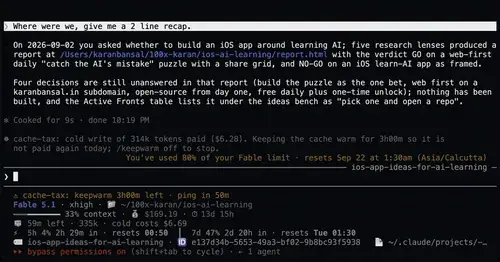
cache-tax
Keeps the prompt cache warm during breaks and stops a cold send once with its price.
qa-guide
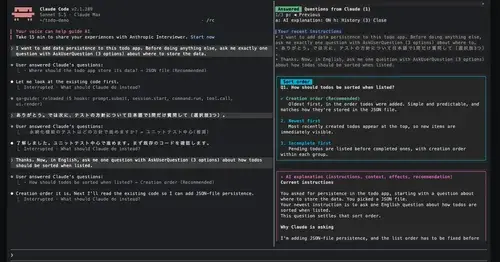
Explains each question Claude asks in a side pane: context, option effects, history.
glowup
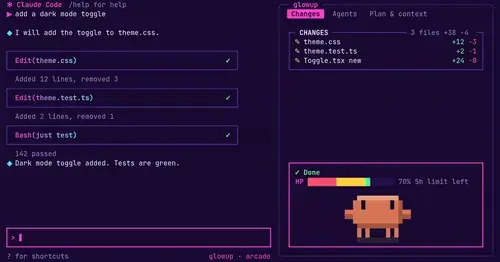
A live side pane for changes, subagents and context, shareable themes and a pixel pet.
CodeCraft
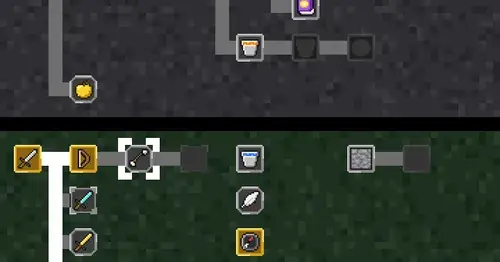
Hearts for context, food for usage limits, armor for git, XP for verified work.