Dashboards·terminal·MIT
turn-footer
Tools, tokens and cache hit under each answer, and the running tool in the spinner.
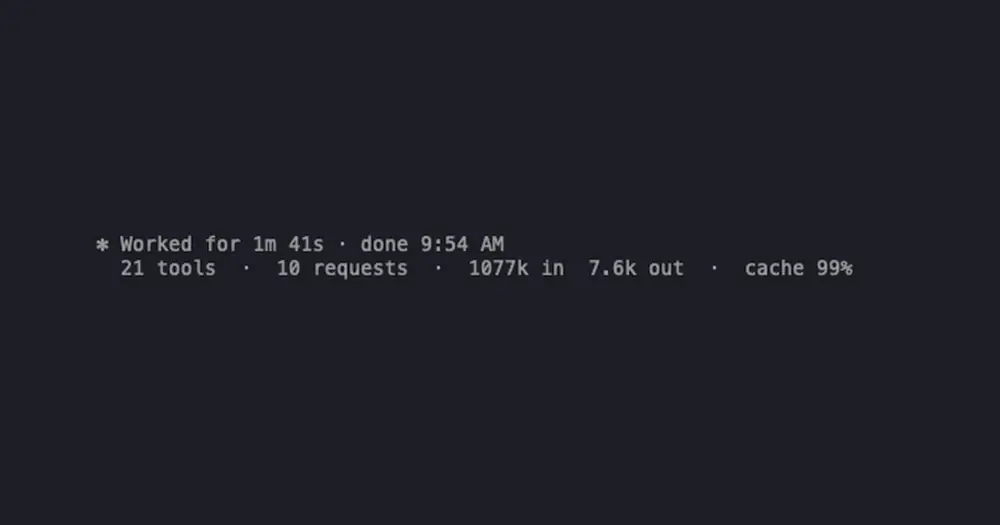
turn-footer adds one line under each Claude Code answer, just below the “Worked for” line: how many tool calls and model requests the turn took, the tokens it sent and received, and how much of the input came from the prompt cache. While a tool runs, the spinner also shows its name and a clock.
What it does
- The summary line counts tool calls, failed calls, subagents, model requests, input and output tokens, and gives the cache hit rate. Anything at zero is left out.
- Colors flag what needs a look: failed calls in red, and a cache rate in yellow under 50% and red under 20%. The rest stays dim, like Claude Code’s own line.
- Subagent work counts toward the turn that started it.
- The spinner names the tool running in the main loop and how long it has been at it. MCP tools appear by their short name, without the server prefix.
Input tokens include cache reads and cache writes, so the hit rate is the share of all input that was read from the cache.
Install
Needs Claude Code 2.1.287 or later.
claude plugin marketplace add arasovic/claude-code-mods
claude plugin install turn-footer@claude-code-mods
Restart Claude Code. The line appears from the next answer on.
For more than one line per turn, the same marketplace has turn-timeline, which lays the current turn out step by step in a pane, and session-meter, which lists each request with its own cache hit rate. The marketplace name, claude-code-mods, is shared with the hamzafer and karanb192 repos of the same name. If claude plugin marketplace list already shows it, run claude plugin marketplace remove claude-code-mods before the add.
How it works
turn-footer hooks tool.call only to count calls, note failures and time the running tool: it reads the tool’s name, not its input. Token figures come from the usage each model request reports on turn.step. The totals of the last 100 turns stay in the mod’s state. It makes no network calls and adds nothing to the model’s context, so it costs no tokens.
Limitations
- The spinner shows tools from the main loop only, not the ones a subagent is running.
- The author documents it only in the terminal.
Similar Claude Mods
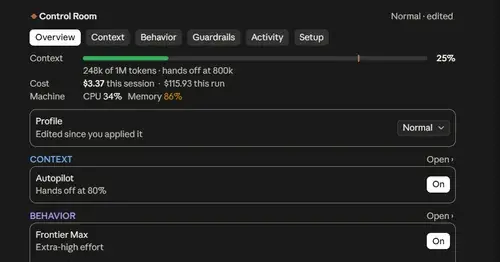
Project Sentinel
Status bar, Control Room pane and automatic context handoffs for long Claude Code runs.
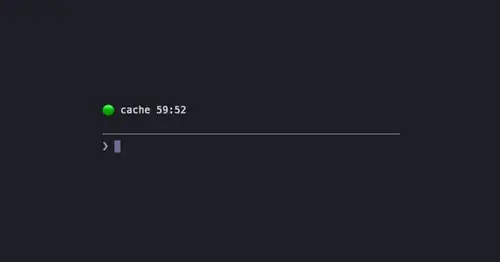
cache-timer
A countdown above the prompt to the moment the prompt cache goes cold.
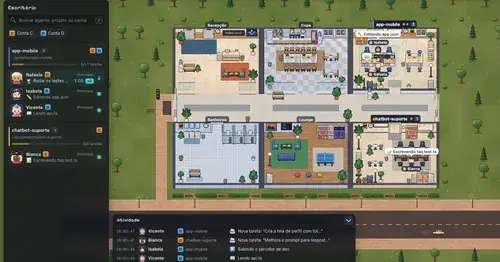
Habblaud
A pixel-art office where each Claude Code agent shows, live, what it is doing.

shunt
Shared account pool headroom and reset times from the shunt gateway, at zero token cost.
Popular Claude Mods
The whole directory →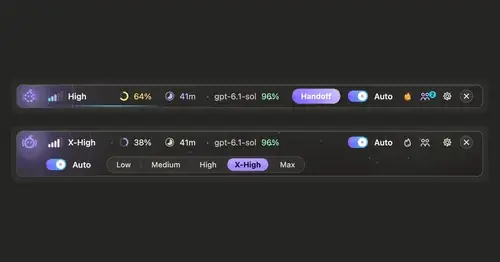
ripple
Effort per prompt, subagents routed to GPT, DeepSeek or Claude, and cache warnings.
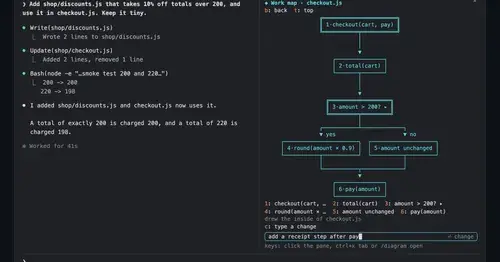
diagram-pane
Every diagram Claude draws, pinned in a side pane, plus a live map of the work.
token-weather
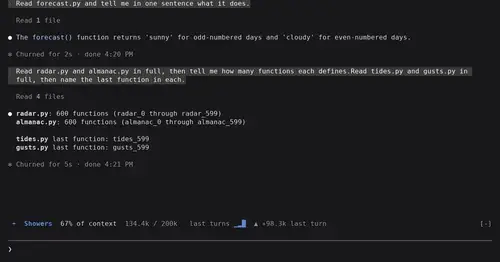
Context window fill as a weather forecast above the prompt, with a chart of recent turns.
statusline-anywhere
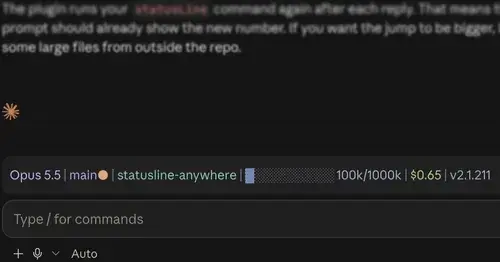
Your Claude Code status line, drawn above the prompt in the Claude Desktop app.