Dashboards·terminal·Apache-2.0
agent-flow
Every subagent of the session in a live tree beside the transcript. Zero tokens.
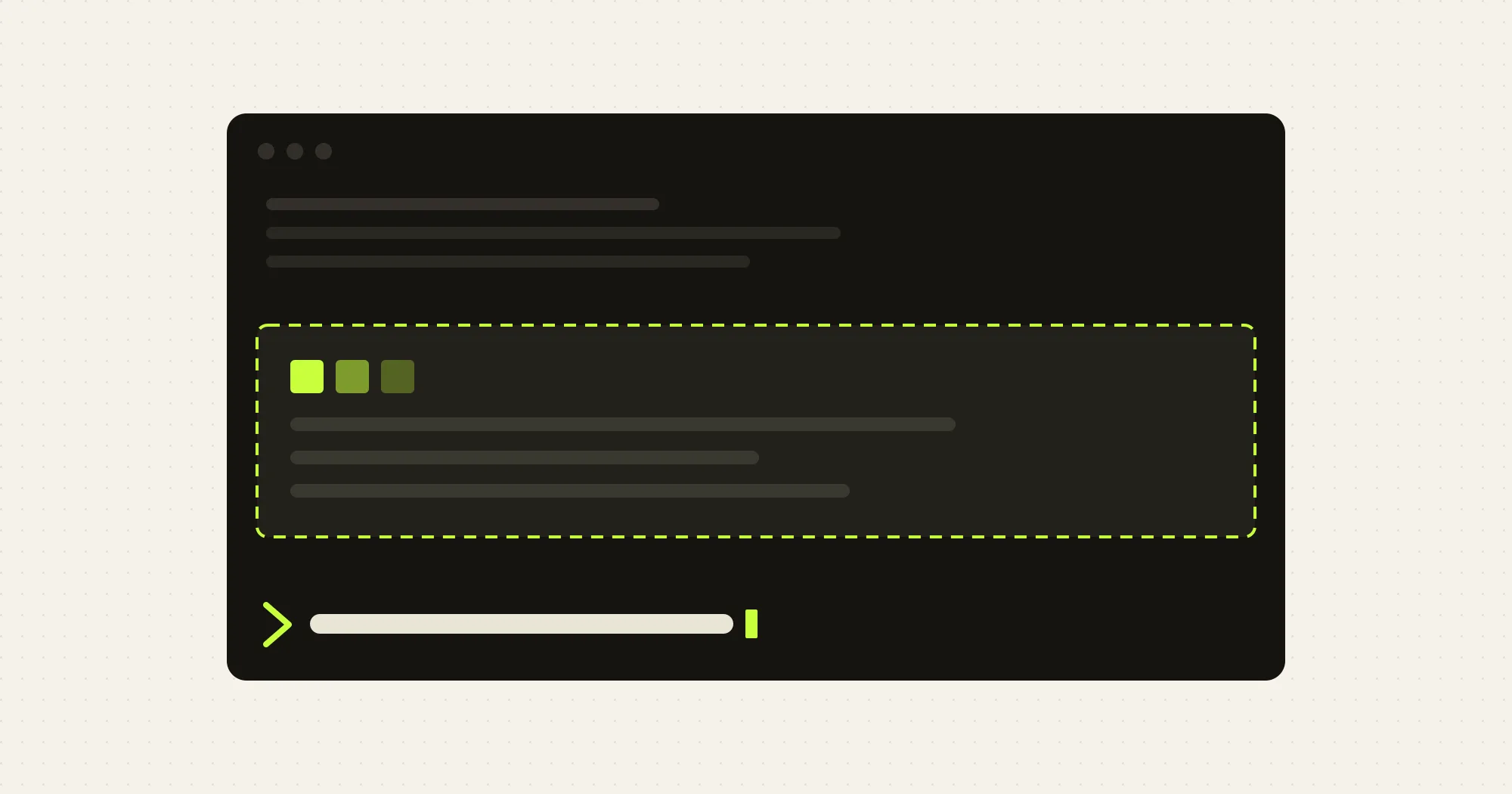
agent-flow shows what the subagents and teammates of a Claude Code session are doing, in a pane beside the transcript. Run /flow and every agent gets a row: status, type, name, elapsed time, the tool call it is in or the approval it waits for, its call count, and its tokens once it has finished. Nothing goes through the model, so the pane costs no tokens.
What it does
[+]on a row expands it: model and mode (foreground, background or fork), the first 120 characters of its prompt, its last five tool calls with durations, tokens in and out, and its id.- An agent waiting for your approval is highlighted. A tool call running over 30 seconds gets a mark, and a running agent with no event for two minutes is flagged as quiet. With the pane closed, a status line under the prompt counts the agents waiting for approval.
- Agents the engine never lists, such as a Workflow tool’s agents or the engine’s own forks, appear under a collapsed “unlisted loops” group instead of disappearing.
/flow textprints the same tree into the transcript.- The first spawn of a session opens the pane by itself on a terminal 144 columns or wider, 110 if you kept it open before. Close it and it stops opening by itself, in this session and the next.
Install
Needs Claude Code with function hooks enabled and an interactive terminal for the pane. The author does not state a minimum Claude Code version.
claude plugin marketplace add Charlie0113-T/claude-agent-flow
claude plugin install agent-flow@claude-agent-flow
To try it for one session without installing, start claude --plugin-dir /path/to/agent-flow from a checkout. Run /flow, then ask Claude to use the Agent tool. /flow again closes the pane.
How it works
The tree comes from engine events. agent.spawn adds a node under its parent, tool.call marks the agent busy in that tool and counts the call when it returns, turn.complete gives a subagent its end status, duration and tokens, and the classic permission events mark a wait for approval. While anything runs, the mod checks the tree against $.agent.list() every two seconds and redraws once a second so the elapsed times keep moving.
It hooks every tool call, but reads only the tool’s name, its call id, the agent it ran in and whether it failed, never the command or its arguments. From each spawn it keeps the first 120 characters of the prompt, shown only when you expand the row. All of this lives in memory and is dropped on /clear, /resume or exit. The only thing written to Claude Code’s plugin store is whether you keep the pane open. It makes no network calls.
Limitations
- The pane draws only in an interactive terminal. In
claude -pand in the VS Code extension (as of 2.1.270)/flowprints the tree as text instead. The extension has had its own agent map since 2.1.269; this mod is the terminal’s counterpart. - On a narrow terminal the pane sits inline above the prompt and shows only the agents that need attention, or the running ones, five at most. The full tree needs 110 columns.
- A wait for approval stays highlighted until the approved tool call ends, because no engine event carries your answer.
- Unlisted loops show a short id instead of a name and are marked unknown after two minutes of silence.
More mods
The whole directory →
cc-pr-tracker
Merge state, review and checks of your PRs on one line above the prompt, with alerts.
claude plugin install cc-pr-tracker@cc-pr-tracker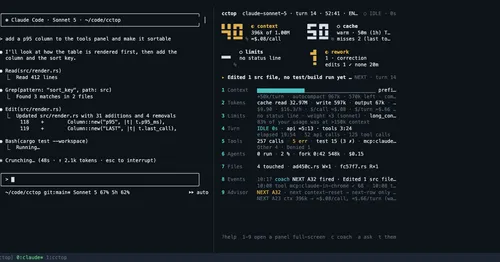
cctop
Context, cost, rate limits and tool stats of the session, live in a side pane.
claude plugin install cctop@cctop
context-lens
Window fill, growth per turn and turns left before compaction, pinned under the prompt.
claude plugin install context-lens@claude-modsgh-ci-status
Your repo's GitHub Actions runs pinned above the prompt, with links and toasts.
claude plugin install gh-ci-status@claude-function-hooks