Games·terminal·MIT
cc-range
A pixel-art shooting gallery above the prompt, playable while Claude works. Zero tokens.
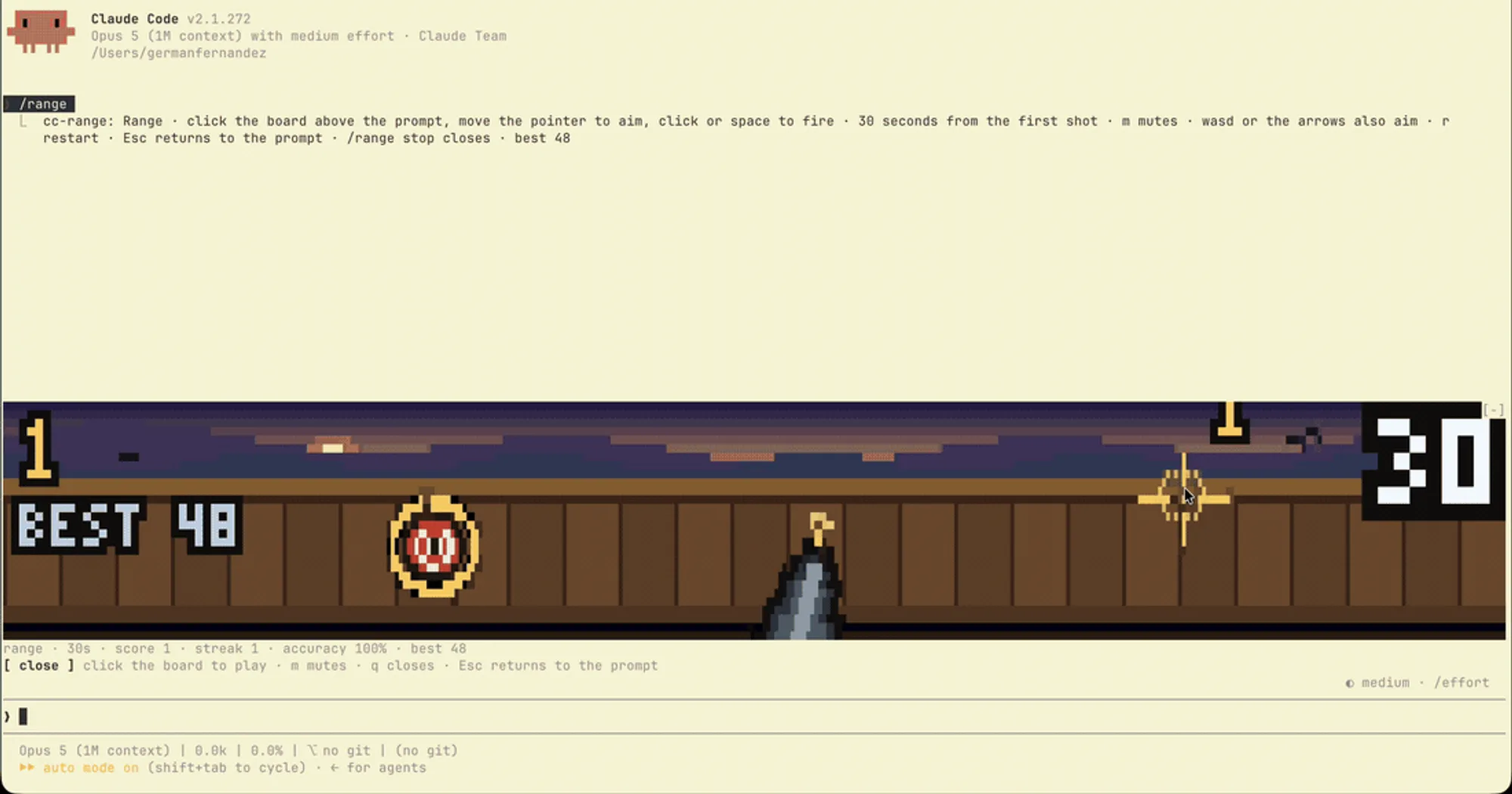
cc-range draws a first-person shooting gallery above the Claude Code prompt: a pistol in your hand, a bullseye on the back wall, and 30 seconds on the clock from your first shot. Move the pointer to aim, click to fire, and every hit moves the target somewhere else and adds a point. The game never talks to the model, so playing costs zero tokens and works while Claude is busy.
What it does
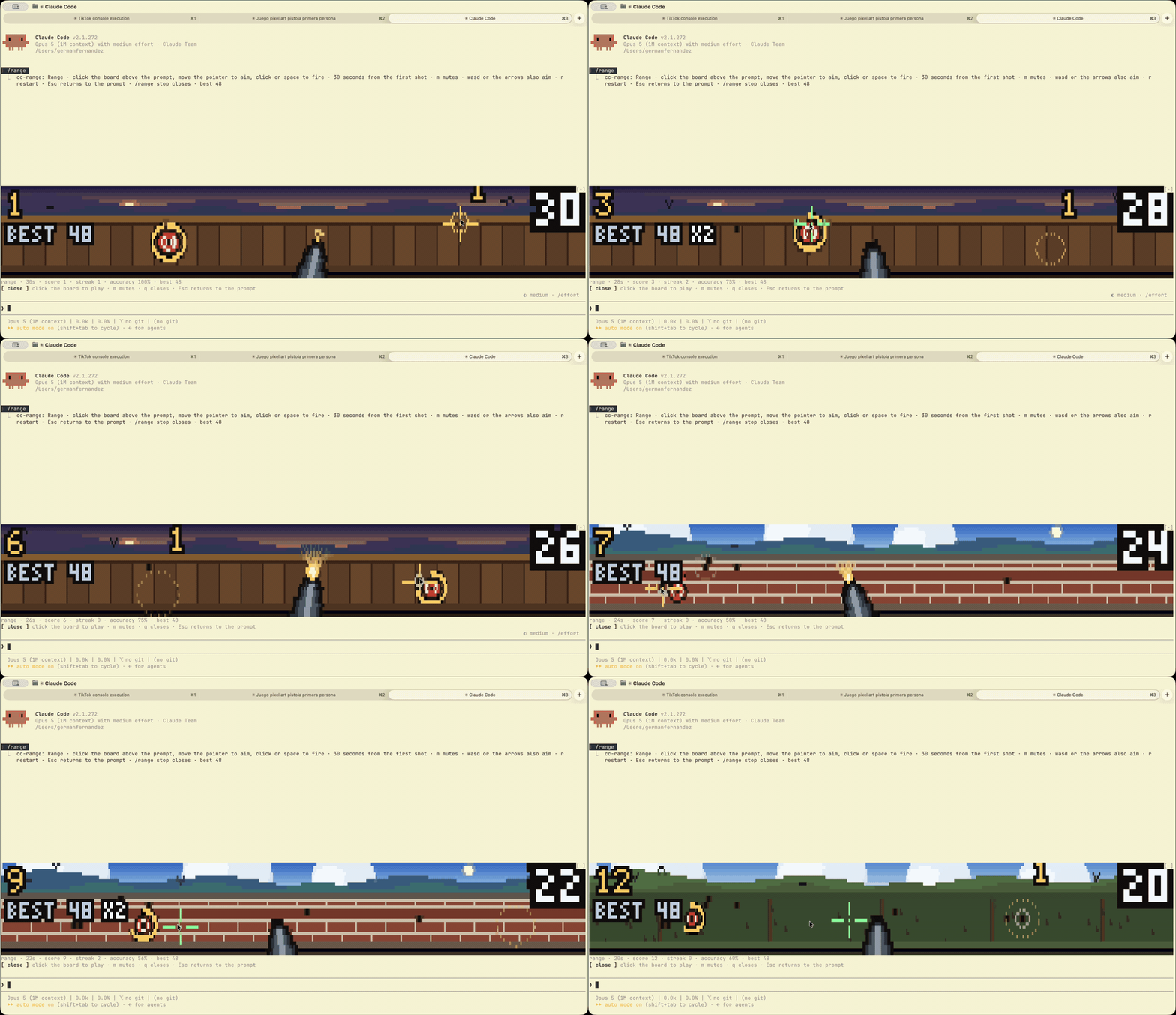
- Every hit makes the next target smaller, faster and shorter-lived. A target stands for 2.7 seconds at the start and three quarters of a second by the end. Let it run out and it leaves on its own, taking your streak with it. Misses leave holes in the wall.
- The clock only starts with your first shot, so the board can sit open while you work. The status line shows time left, score, streak and accuracy.
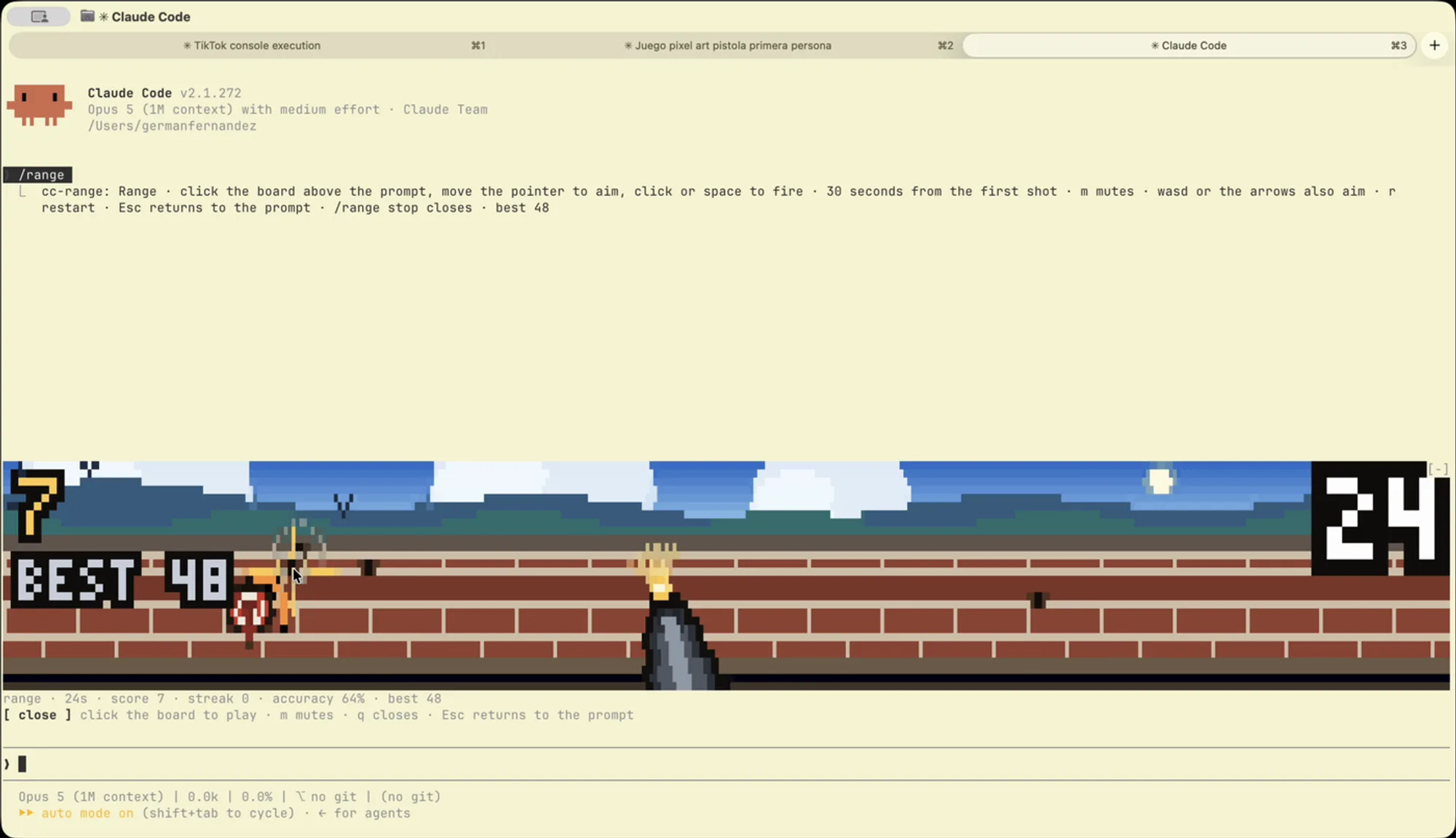
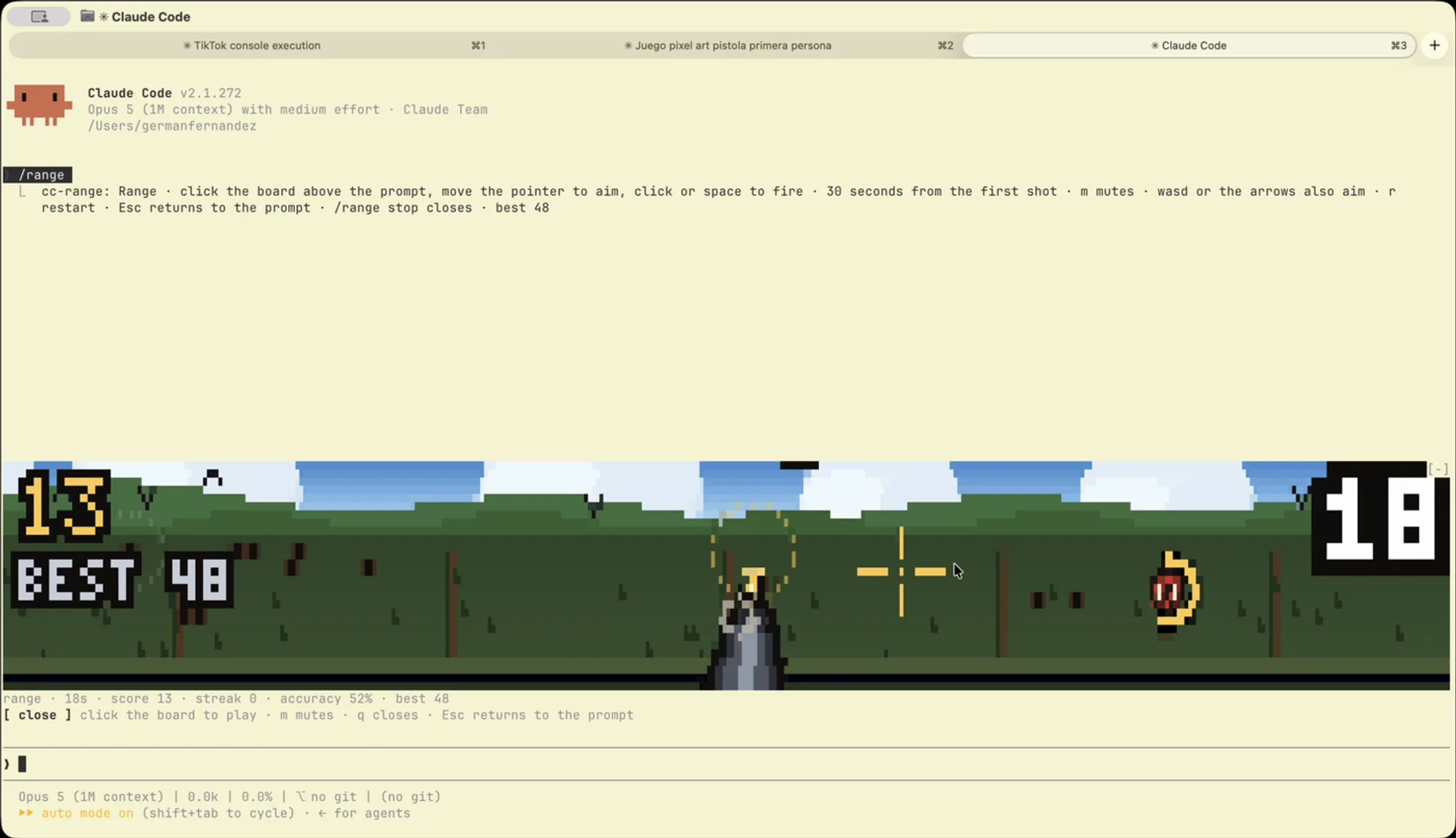
- Eight backdrops take turns every five seconds: dawn, noon, a meadow, dusk, a starlit night, rain, snow and desert. The barrier changes with each one: planks, brick, bare posts in grass, hay bales, corrugated iron, wet stone, bunting and an adobe wall.
- Sound is synthesised, not sampled: the shot, the ding of a hit, the miss and a sixteen-bar chiptune loop in A minor.
mmutes all of it. - Best score is shown under the score and kept across sessions.
/range resetclears it. - Controls: the pointer aims; click,
spaceorffires;wasdor the arrows aim without a mouse;rrestarts;qcloses the board./range stopcloses it from the prompt.
Install
Needs function hooks enabled and an interactive terminal that reports the mouse. The author names no minimum Claude Code version. There is no marketplace: clone the repo and load it with --plugin-dir each time you start a session.
git clone https://github.com/germanfndez/cc-range
claude --plugin-dir ./cc-range
Run /range, click the board once to give it the keyboard, and press the green plate to start the round. Esc hands the keyboard back to the prompt.
How it works
The board is a surface module drawn in the band above the prompt at about fifteen frames a second. Each frame is painted on a pixel canvas twice the size of the cell grid and packed into quadrant blocks, four pixels per cell. The hooks module only opens and closes the board, plays the sounds it asks for and keeps the record.
It hooks no tool calls and reads no commands, prompts or files. It makes no network calls. The only things it stores, in Claude Code’s plugin store on your machine, are the best score and the mute setting. Cancelling a turn stops the music; the board stays open.
The author credits cc-arcade as the reason cc-range exists.
Limitations
- Draws only in interactive terminal sessions. The render hook steps aside on the desktop and mobile bands.
- The board gets the keyboard only after a click, so the keyboard controls still need a terminal that reports the mouse.
- No marketplace listing, so
claude plugin installdoes not apply. The plugin is loaded from the clone per session. - Version 0.1.0, published on 15 September 2026. The author does not say which Claude Code version it was tested with.
More mods
The whole directory →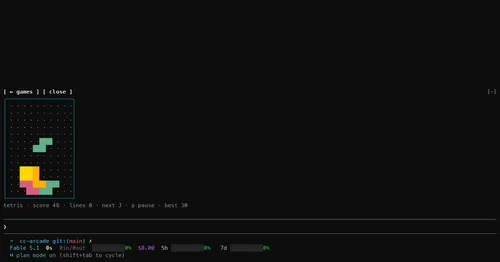
cc-arcade
Nine games and a pet above the prompt, playable while Claude works. Zero tokens.
claude plugin install cc-arcade@cc-arcade
cc-pokedex
Creatures spawn from your prompts. Catch them and raise a partner as Claude works.
claude plugin install cc-pokedex@cc-pokedex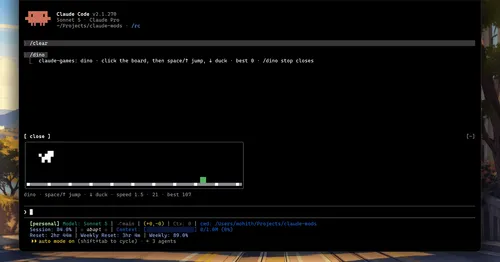
claude-games
Four games above the prompt that react to Claude's tests and commits. Zero tokens.
claude plugin install claude-games@claude-gamesagent-flow
Every subagent of the session in a live tree beside the transcript. Zero tokens.
claude plugin install agent-flow@claude-agent-flow