Interface·terminal·MIT
claude-queue
Prompts typed with /q wait in a stack above the prompt and go out when the turn ends.
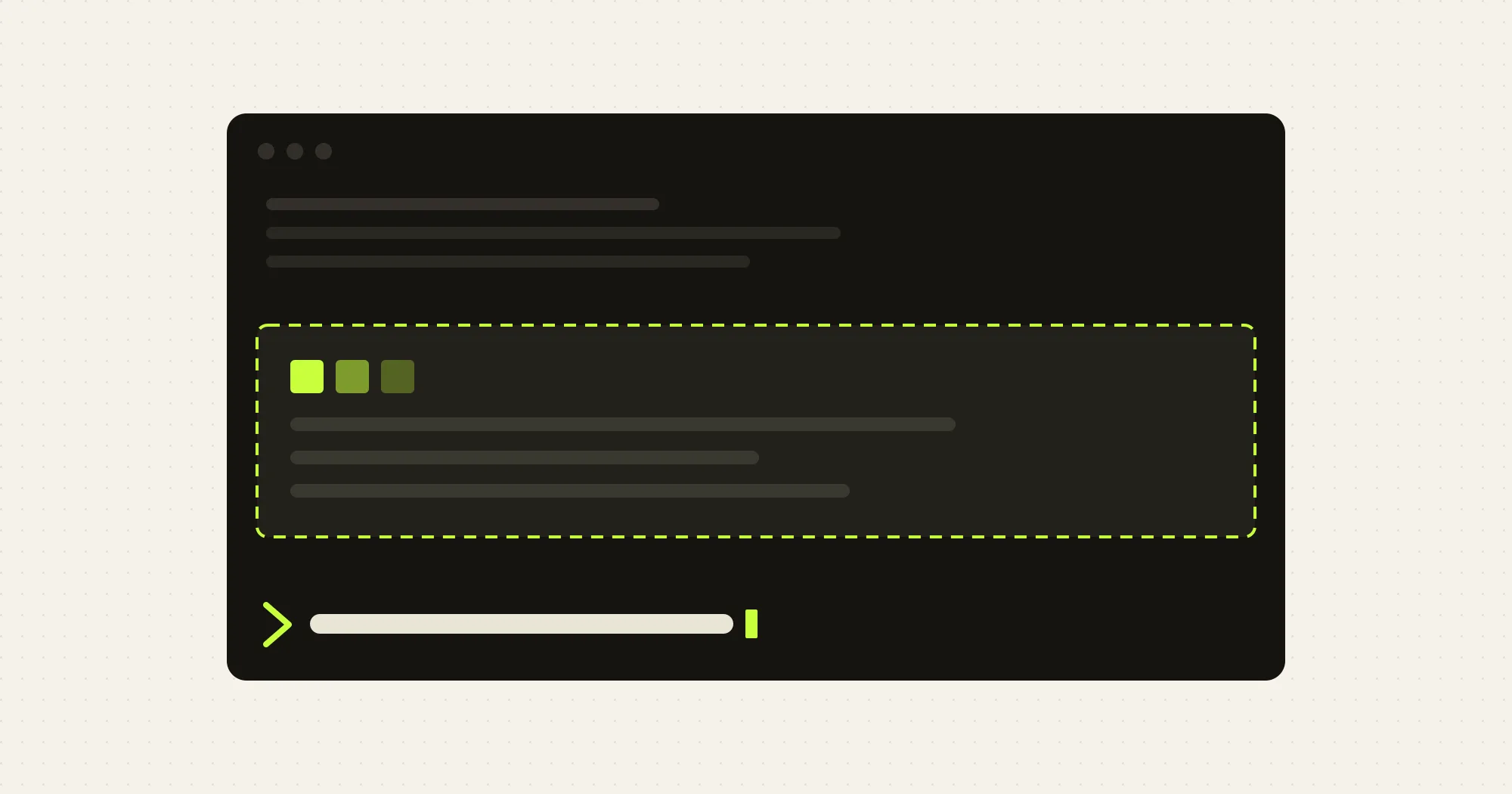
claude-queue holds the message you type while Claude is still working. Type /q and your text: instead of landing inside the running turn next to the next tool result, it waits in a stack drawn above the prompt and goes out when the turn ends, as a turn of its own. A line typed without /q goes into the turn the way it always did.
Stock Claude Code delivers a mid-turn message into the turn, so the model reads it halfway through work it has not finished. With claude-queue the turn ends on what it was asked, and your next thought starts fresh. Each held row has buttons to move it up or down, push it into the turn, edit it or remove it.
What it does
- Hold a prompt with
/q <text>. When nothing is running it is sent at once./qalone lists what is held;/q statusshows one line of state. - Reorder with the arrows, or
/q up <n>,/q down <n>and/q mv <n> <m>. Entries go out in the order shown. - Push one in with the row’s push button or
/q now <n>. The entry leaves the stack and rides the running turn’s next tool call as context, which is how Claude Code delivers a mid-turn message. A turn that calls no tool sends it first when it ends. With nothing running it goes to the front and out. - Edit a row in place, or
/q edit <n>to take it out and put its text back in the prompt box. - Remove one with the row’s cross or
/q rm <n>; drop the lot with the clear button or/q clear. The send button and/q sendflush a stack that is still sitting there while the session is idle. - Send as one prompt with the
joinedoption, off by default. It joins every held entry with a blank line into a single message. Set it with/plugin configure claude-queueor insettings.json:
{ "pluginConfigs": { "claude-queue": { "options": { "joined": true } } } }Install
Needs Claude Code 2.1.272 or later with function hooks enabled and an interactive terminal session. Mouse clicks on the band only reach it under the fullscreen renderer (/tui fullscreen, or CLAUDE_CODE_NO_FLICKER=1); the keyboard reaches it on either.
claude plugin marketplace add galElmalah/claude-queue-plugin
claude plugin install claude-queue@claude-queue-plugin
Ask Claude for something slow, then type /q followed by your next message and press Enter. It appears in the band instead of in the turn. To reach the buttons without a mouse, press ctrl+x tab to move the focus into the band, Tab along the buttons and Enter to press one.
How it works
/q is registered as an immediate command, so it runs while a turn is in flight. The plugin tracks the running turn through turn.start and turn.complete. Every ending of the main turn, an Esc-interrupted one included, sends the first held entry as a plugin prompt once the session is idle, and the next turn.complete sends the next. A subagent’s turn ends inside the session’s own and is ignored.
It hooks prompt.submit only to read the turn id, for a module reloaded mid-turn. Your Enter passes through and the text is not read. It hooks tool.call only to carry an entry you pushed in: it does not read the tool’s input or command, and it leaves the call untouched unless a pushed entry is waiting, in which case it appends your text, with a short framing sentence, to the context the model reads after the tool result.
The stack lives in memory for the session. Nothing is written to disk, nothing goes over the network, and a hot reload of the module empties it. A held prompt costs what any prompt costs; the plugin asks the model nothing on its own.
Limitations
- A held prompt reaches the model framed as sent by the plugin, and the transcript row shows that framing. Your text arrives whole.
- Claude Code spaces a plugin’s prompts 5 seconds apart and allows 50 per session, so a stack drains no faster than that.
joinedpays the wait once. - Esc does not hold the stack back. The interrupted turn has ended, so what was queued behind it goes out. Remove it with the cross or
/q clearif the interrupt changed your mind. - Text only. An image goes into the turn as it always did. The in-band edit field is one line: on a multi-line entry it edits the first line and keeps the rest.
- Context another plugin attached to a held prompt is not carried.
- On the classic renderer the band draws but never hears the mouse. Terminal only: nothing is held in
claude -p.
More mods
The whole directory →
cc-changelog
The unofficial Claude Code changelog in a pane, plus nine tools the model can call.
claude --plugin-dir ./cc-changelog-plugin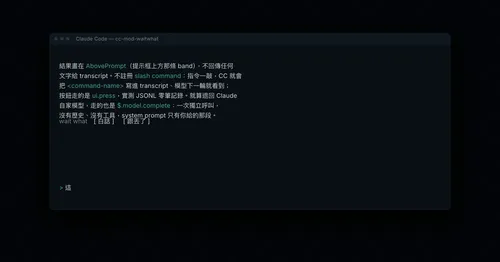
cc-mod-waitwhat
Buttons above the prompt retell the last reply in plain words. The model never sees it.
claude plugin install cc-mod-waitwhat@cc-mod-waitwhatclaude-mermaid
Every mermaid block Claude writes, drawn as color box art in the transcript. Zero tokens.
claude plugin install claude-mermaid@claude-modstime
A timestamp above each of your messages, showing when you sent it. Zero tokens.
claude plugin install time@claude-function-hooks