Interface·terminal·Apache-2.0
replay-theater
A /replay pane that walks through the last turn's file edits, one diff per step.
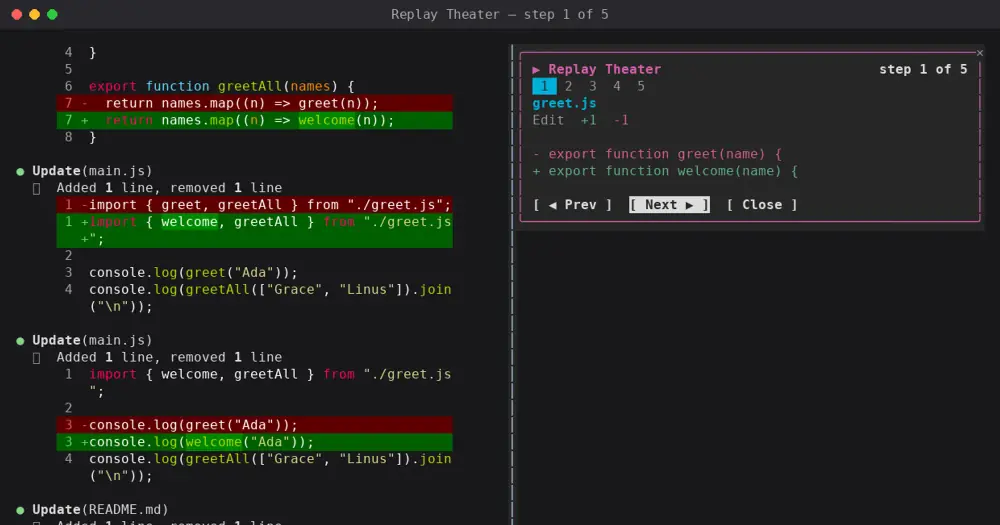
replay-theater records each file edit Claude makes during a turn and, once the turn ends, lets you step through them in a pane, one diff at a time. It only watches: no edit is blocked, changed or delayed.
Anthropic’s Claude Code DevRel team built it as an example for its claude-code-playground repo, at version 0.1.0 and with no support implied. Beyond the review itself, it is a compact case of a slash command, a recorder on tool.call and a pane with buttons and hotkeys.
What it does
- When a turn with edits ends, a hint above the prompt gives the number of edits next to a Replay button.
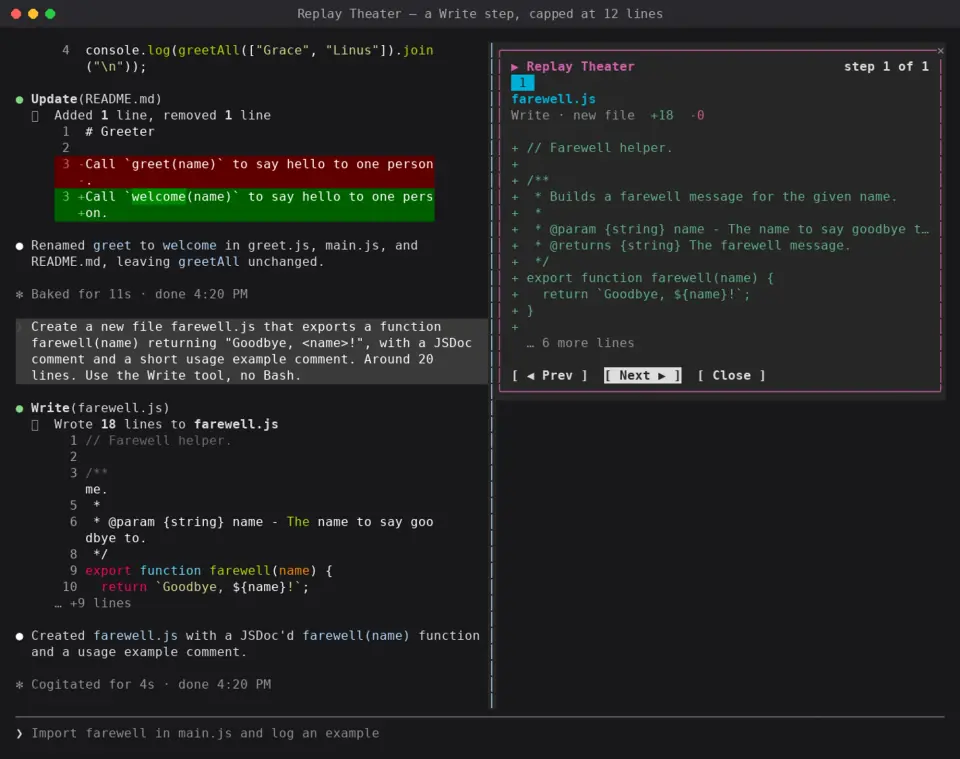
- The pane shows one step at a time: the file, the tool, lines added and removed, and a red and green diff of up to 12 lines.
- A strip of numbered cells marks every step and highlights the current one. Prev, Next and Close move through them.
- It records the Edit, Write and MultiEdit tools. A MultiEdit becomes one step per edit.
- The replay stays until the next turn that edits files. A turn with no edits keeps the previous one.
Install
Needs Claude Code 2.1.287 or later.
git clone https://github.com/anthropics/claude-code-playground.git
cd claude-code-playground/claude-code/mods
claude plugin marketplace add ./
claude plugin install replay-theater@claude-code-playground-mods --scope user
The marketplace is defined in the clone’s claude-code/mods folder rather than the repo root, which is why it is added by local path. For a one-session trial, run claude --plugin-dir ./replay-theater from that folder.
After a turn that edits files, type /replay, or press ctrl+x then Tab to focus the band above the prompt and press r. In the pane, n goes to the next step, p to the previous one, and c or Escape closes it.
How it works
The mod hooks tool.call and reads the arguments of Edit, Write and MultiEdit calls, then always passes the call on unchanged. For each step it keeps the file path relative to the session folder, the tool and a line diff with one line of context around each change.
- For Edit and MultiEdit, the diff compares the old and new strings in the call, not the whole file, so the file’s line numbers aren’t shown.
- For Write, it reads the current file from disk with
$.fs.readjust before the write and diffs it against the new content. A missing or unreadable file shows as new. Over 400 lines, the old text shows as all removed and the new as all added.
turn.start and turn.complete group the edits by main-loop turn. Everything stays in memory for the session: nothing is written to disk and there are no network calls, so the replay is gone when Claude Code restarts or the plugin reloads.
Limitations
- Edits are recorded when the tool is called. An edit you deny, or one that fails, still shows in the replay.
- Edits made by subagents land in the main turn’s replay.
- The MultiEdit path is untested, because Claude Code 2.1.280 has no MultiEdit tool.
- If the terminal can’t place a pane, the replay draws in the band above the prompt. That fallback is untested: every width the author tried, 80 and 120 columns, placed the pane.
- The band above the prompt is shared. token-weather from the same folder always draws there, and blast-radius does in narrow terminals. When two mods want it, only one shows.
- The author documents it in the terminal only.
Similar Claude Mods

terminal-browser
A Chromium browser in a pane beside the transcript, for previews and agent browsing.
prompt-rail
Your session's prompts as a rail: hover to read one, click to jump back to it.
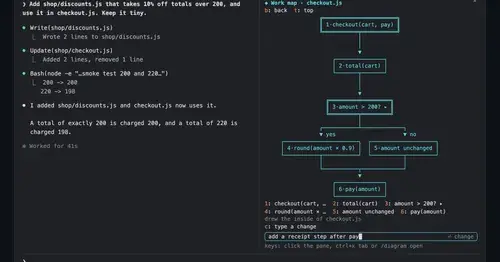
diagram-pane
Every diagram Claude draws, pinned in a side pane, plus a live map of the work.
aside
Ask about the session so far in a read-only side pane. Nothing reaches the main thread.
Popular Claude Mods
The whole directory →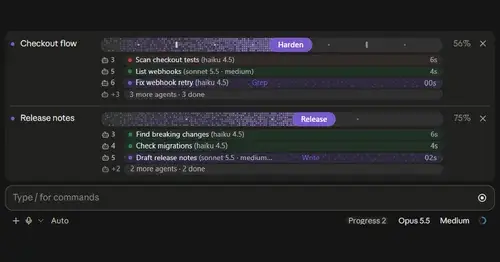
plan-progress
Claude's plan as live progress bars above the prompt, with subagents under each task.
claude-code-usage-quota
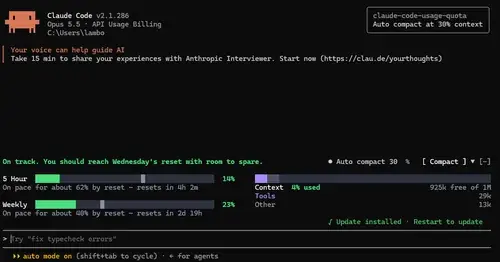
5-hour and weekly plan limits, a run-out forecast and the context, with auto compact.
cache-keeper
Prompt-cache timer, keep-warm pings, cold-send guard, a board of chats and a handoff.
statusline-anywhere
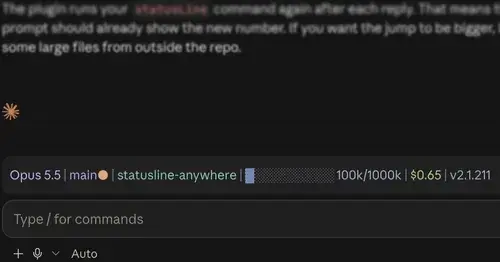
Your Claude Code status line, drawn above the prompt in the Claude Desktop app.