Dashboards·terminal·MIT
flowpane
A live graph or timeline of a Workflow run, one node per agent, beside the transcript.
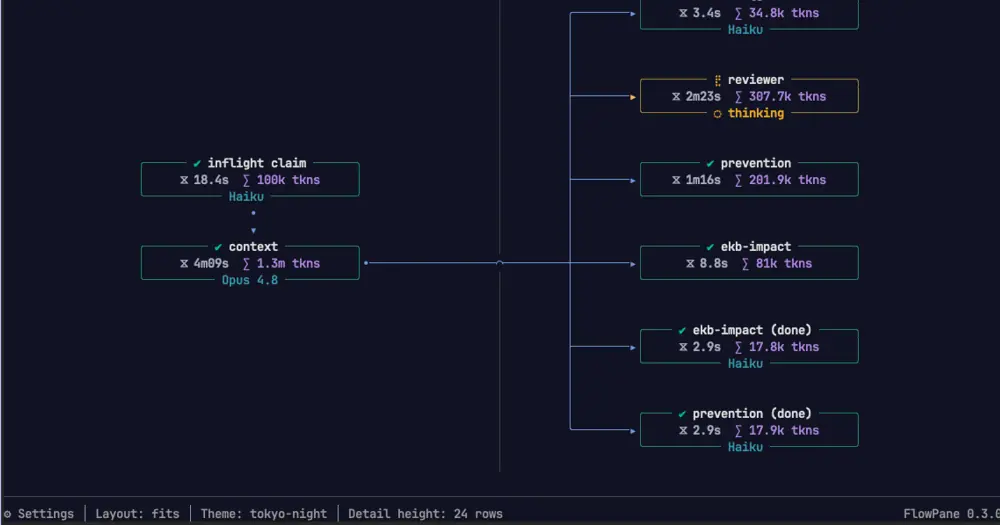
flowpane replaces the progress list Claude Code prints for a Workflow run with a drawing in a pane beside the transcript: one column per phase, one node per agent, edges for the barriers between them, repainted about eight times a second while the run is live. Each node shows the agent’s state, how long it has taken, what it has spent and the model it runs on. The run line keeps a running total of tokens, tool calls and models. It only watches what the engine already produces, so it adds nothing to the context.
What it draws
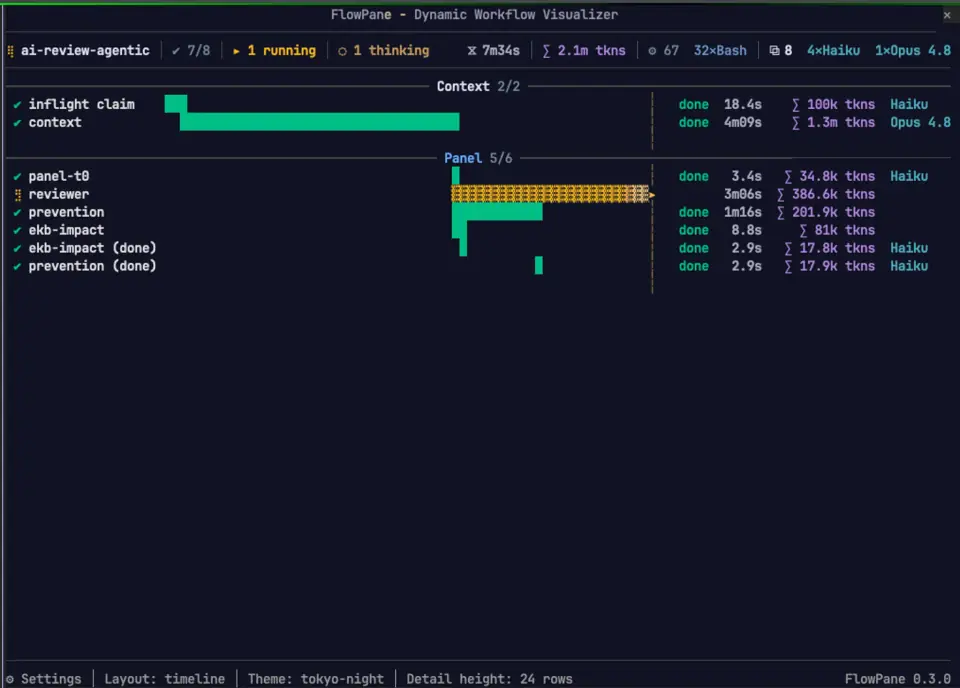
- Four layouts. Horizontal lays the phases across the pane, vertical stacks them down it, timeline draws one bar per agent against a ruled time axis with a marker where now is, and list gives each agent a row under its phase with no edges, the compact reading of a long run. The default,
fits, follows the pane’s proportions. Switch from the settings dialog or with/flowpane horizontal|vertical|timeline|list|fits. - One node size. A node is drawn the same size in every layout and every pane. The drawing is laid out whole and the pane is a window on it: arrows at the edges and the mouse wheel scroll it, and a live run keeps the window on the phase it is working in. Run lists scroll too.
- State by colour. Green for done, yellow for running, red for failed, grey for an agent the run cut off. A phase the run never entered is drawn as skipped, a loop carries its number of passes, a chain that stopped early is left short and fan-outs are folded to fit.
- What is happening now. A travelling light along the live wires, and the tool an agent is calling on its card while the call runs.
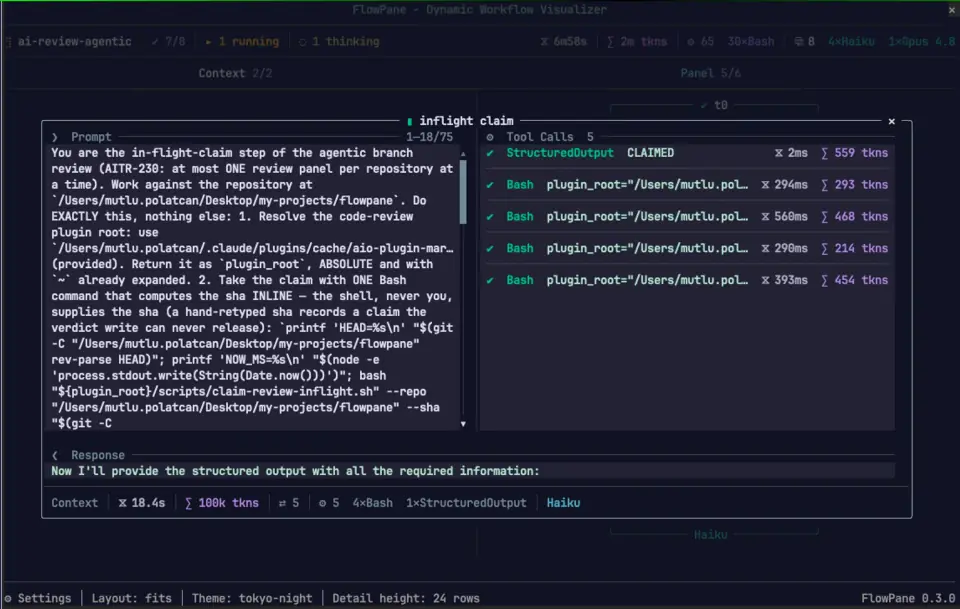
- A node’s detail. Press a node for a dialog with the agent’s prompt, every tool call with its input and result, and its answer. A pass number on a node’s row opens that attempt.
- Nested workflows. A workflow this run called is folded to one node with a mark per trip. Press its arrow and every agent inside stands on its own.
- The session’s other runs. Press the run’s name for a menu of them, grouped by state. With nothing running, the pane lists them in place of the graph.
/flowpane runsprints the same list. - Twelve palettes, nine dark and three light.
/flowpane themelists them.
Install
Needs Claude Code 2.1.287 or later and the fullscreen renderer (/tui fullscreen). The author reports it running on Claude Code 2.1.272 and declares no minimum of his own.
claude plugin marketplace add mpolatcan/flowpane
claude plugin install flowpane@flowpane
The README installs it from the author’s cc-plugins marketplace instead; the commands above use the marketplace the repository itself declares. Then launch any workflow: the pane opens on it. /flowpane toggles it afterwards, and /flowpane help lists the rest: runs, a run number, a layout word, detail <n> for the dialog’s height (5 to 32 rows), theme [name] and about. /plugin configure flowpane sets orientation (horizontal, vertical, timeline, list or auto), detailRows, paneRows and theme for good; choices made with the pane’s buttons are kept across sessions too. The pane’s bottom row names the version it runs, 0.10.0 at the time of writing.
How it works
The module hooks tool.call on the Workflow tool to catch the launch and reads the run id and transcript directory off the tool’s result. From there a timer tails the run’s journal.jsonl under ~/.claude/projects/<project>/<session>/subagents/workflows/<run>/, together with the run summary the engine writes when the run ends and each agent’s .meta.json for its model.
Two more hooks watch the subagents themselves. tool.call records every tool an agent calls, with its input and result, so the card shows the tool while it runs and the count after it lands. turn.step watches each agent’s model stream go by for the text it is saying and the token usage every request reports. The chunks pass on untouched. An agent’s own transcript is read once, when you open its detail dialog, for the prompt it was given and the text it answered with.
On session.start it walks the same folders to recover the session’s runs, ended or still going, that were launched before the plugin loaded. The only things it writes are your layout, detail height and theme, in the plugin store. It makes no network calls and nothing it reads leaves the machine.
Limitations
- Under
/tui defaulta pane never draws. In/tui fullscreenit docks beside the transcript from 110 columns; narrower, it sits inline above the prompt. - It draws Workflow runs only. Subagents launched outside a workflow never appear. agent-flow also draws subagents in a pane; flowpane is the one for Workflow runs, because it reads the run’s phases, barriers and journal.
- Terminal only.
- The demo workflow in
dev/is a development tool. It is not installed with the plugin; run it from a checkout.
Similar Claude Mods
Flightdeck
Subagents, permission checks, advisor consults, context and cost, live in a pane.
mission-control
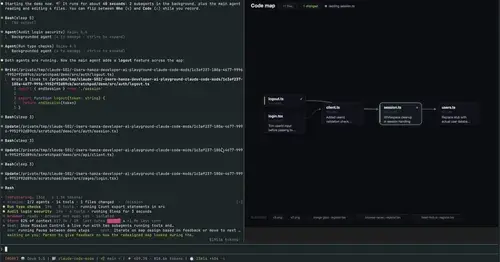
Main agent, subagents and every tool call in a pane, plus a map of the files they touch.
Habblaud
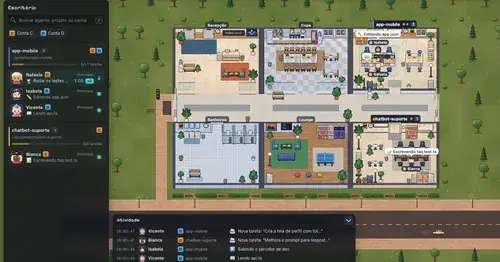
A pixel-art office where each Claude Code agent shows, live, what it is doing.

savvy-progress
Running, finished and planned subagents with model, context, cost and time, in one panel.
Popular Claude Mods
The whole directory →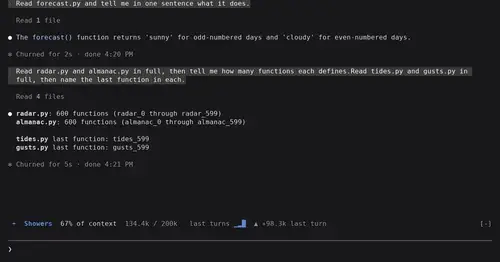
token-weather
Context window fill as a weather forecast above the prompt, with a chart of recent turns.
source-control
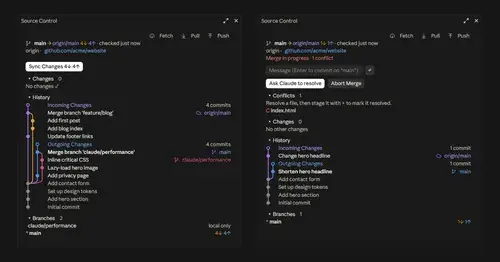
Git status above the prompt and a VS Code-style panel to commit, sync and resolve.
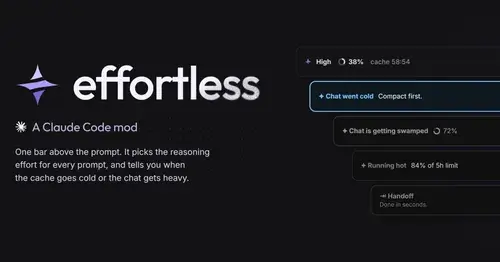
effortless
Picks the effort for every prompt and shows how long the prompt cache stays warm.
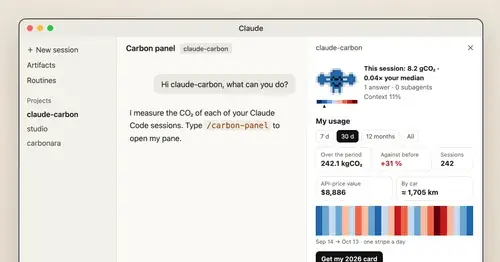
claude-carbon
Estimated grams of CO2 for each answer and session, with a molecule and warming stripes.